
Vector Cross Product Demonstration
Loading the math board and drawing, please wait…
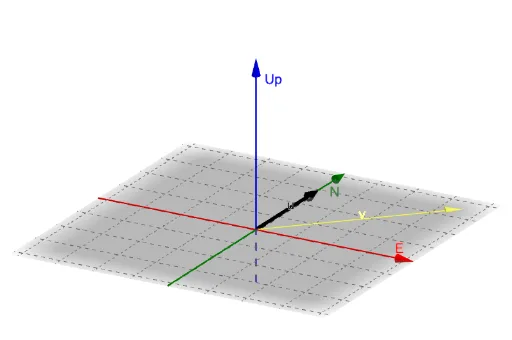
This example demonstrates the cross product of vectors. By adjusting the angle and vector length, one can intuitively understand the concept and geometric meaning of the cross product. The commands used in the construction summary include Intersect and Vector. Suitable for high school and above students to learn about three-dimensional vector operations.
GeoGebra Commands & Parameters
Intersect(yAxis, zAxis) → AVector(A, ((r * cos(theta)), (r * sin(theta)), 0)) → vVector(A, B) → u
AI Drawing Prompt Reference
Draw a 3D coordinate system showing two vectors and their cross product. One vector starts at the origin and ends on the xy-plane with adjustable length and angle. The other vector starts at the origin and ends at the first vector. Clearly visualize and label the cross product vector, indicating its direction and magnitude.
The prompt above was compiled from the original drawing commands and is for reference only.