
Vector Addition Calculator
Loading the math board and drawing, please wait…
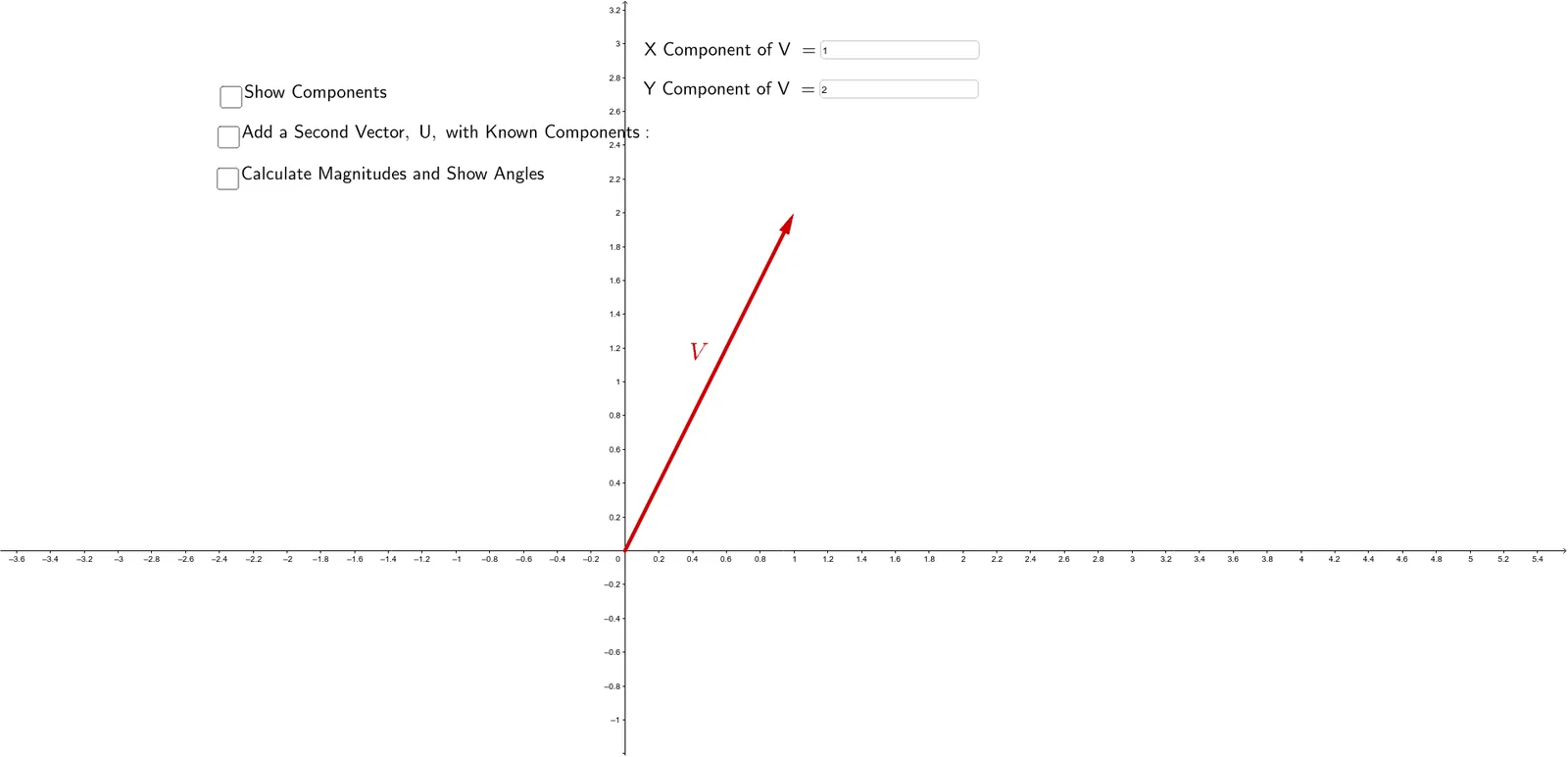
This example demonstrates how to calculate the sum of two vectors by inputting their components. It involves core math concepts like vector addition, coordinate geometry, and the Pythagorean theorem. Constructed using GeoGebra commands like Vector, Textfield, and Angle. Suitable for high school and above mathematics education to understand and apply vector addition principles.
GeoGebra Commands & Parameters
Vector((MagVx, MagVy)) → VTextfield(MagVx) → InputBox1Textfield(MagVy) → InputBox2Vector((MagVx, 0)) → VxVector(VyStart, (MagVx, MagVy)) → VyAngle(Vx, V) → αVector((MagUx, MagUy)) → UPointerTextfield(MagUx) → InputBox3Textfield(MagUy) → InputBox5Vector((0, MagUy)) → UYPointerVector((MagUx, 0)) → UXPointerVector(UyStart, (MagVx + MagUx, MagVy + MagUy)) → UyVector((MagVx + MagUx, MagVy + MagUy)) → ResultantVector(UStart, Point[(MagVx, MagVy), UPointer]) → UVector(UStart, Point[(MagVx, MagVy), UXPointer]) → UxVector((0, MagVy + MagUy)) → RyVector((MagVx + MagUx, 0)) → RyPointerVector((0, MagVy + MagUy), Point[(0, MagVy + MagUy), RyPointer]) → RxVector((1, 0)) → PosXPointerAngle(PosXPointer, Resultant) → θ