
Straight Lines - Gradient Given
Loading the math board and drawing, please wait…
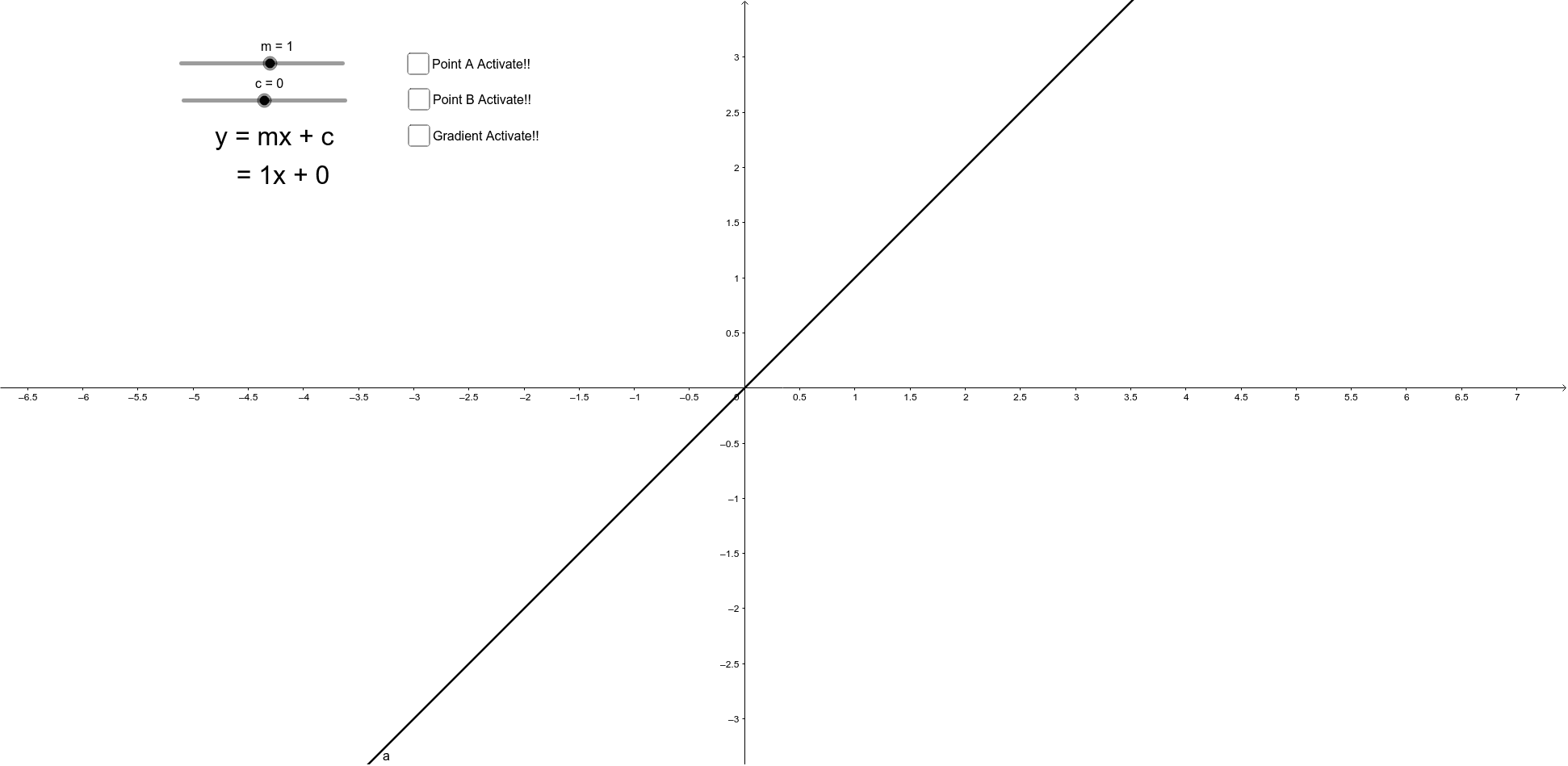
This example demonstrates the plotting and manipulation of straight lines, allowing students to visualize changes in slope or y-intercept through interactive sliders. Key math concepts include slope, y-intercept, and coordinate geometry. Constructed using commands like Point, Segment, Polygon, and objects such as m (slope), c (y-intercept), a, b, d, etc. Ideal for high school students learning about linear equations and their graphical transformations.
GeoGebra Commands & Parameters
Point(a) → APoint(a) → BSegment(A, I) → iSegment(B, I) → jPolygon(A, B, I) → poly1, i_1, a_1, b_1
AI Drawing Prompt Reference
Draw two lines through two points and a common point, showing the triangle they form with the coordinate axes. Use sliders to adjust the common point's position and observe the dynamic changes in line slopes and intercepts, as well as the triangle's shape.
The prompt above was compiled from the original drawing commands and is for reference only.