
Variable Diagonals in Parallelogram
Loading the math board and drawing, please wait…
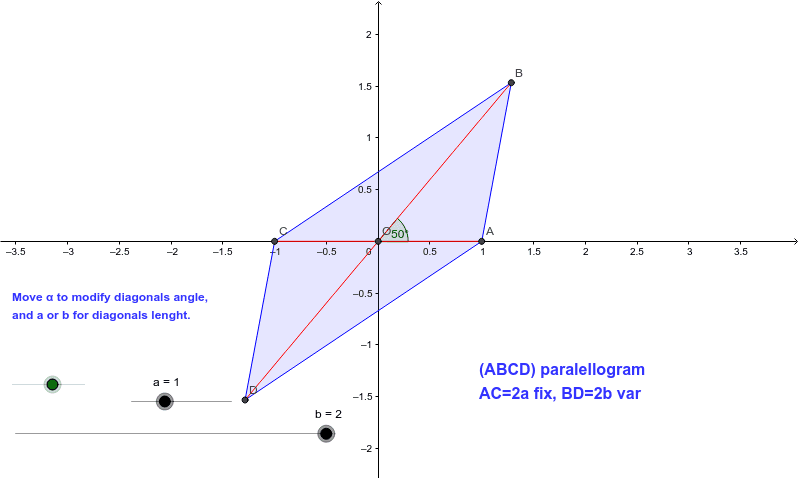
This example demonstrates how to obtain a rectangle, square, and rhombus by modifying the length or angle of diagonals. Key mathematical concepts include properties of parallelograms, rectangles, and squares. GeoGebra commands used include Mirror, Segment, Polygon, and Angle. Suitable for middle school and above students to learn geometric transformations and properties.
GeoGebra Commands & Parameters
Mirror(A, O) → CSegment(A, C) → d_p1Mirror(B, O) → DSegment(B, D) → d_p2Polygon(A, B, C, D) → poly1, a_1, b_1, c, dAngle(A, O, B) → β
AI Drawing Prompt Reference
Draw a parallelogram ABCD, then mirror point A and B around point O to get points C and D, connect point A and C to form diagonal d1, connect point B and D to form diagonal d2, and use points A, B, C, and D to form quadrilateral poly1. Measure the angle ∠AOB to get angle β.
The prompt above was compiled from the original drawing commands and is for reference only.