
Using a Protractor to Measure Angles
Loading the math board and drawing, please wait…
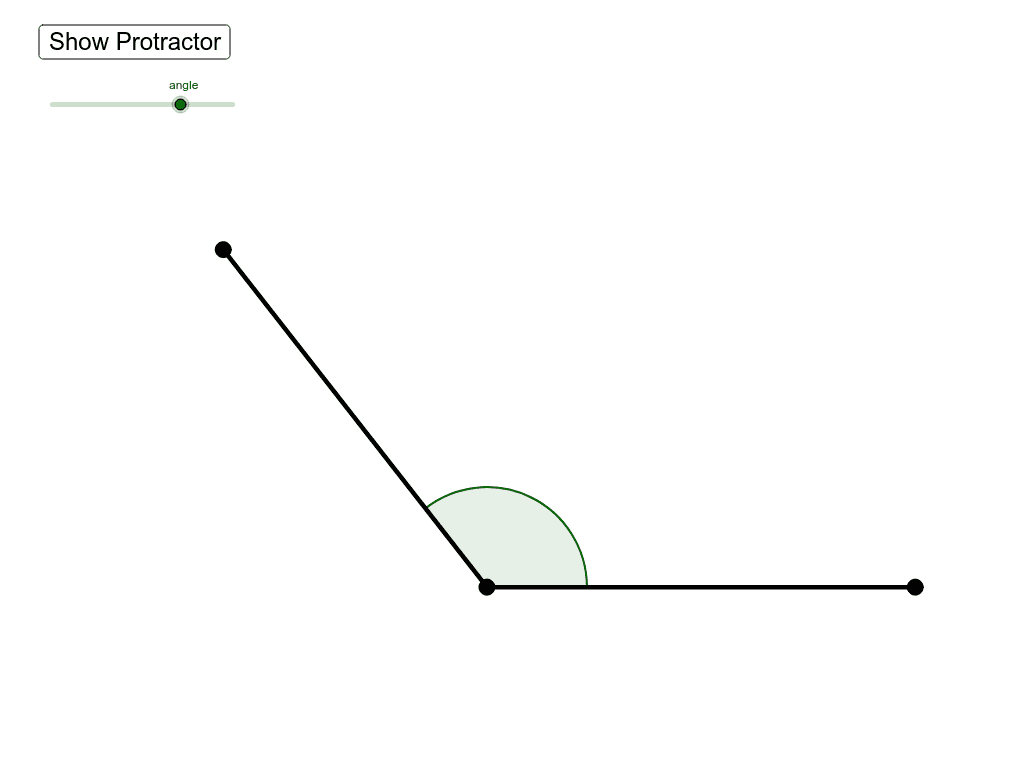
This example demonstrates how to use a protractor to measure angles. The key mathematical concept is angle measurement. Using commands such as Segment, Point, Rotate, and Angle, students can learn how to accurately measure angles. Suitable for middle school and above students for geometric construction practice.
GeoGebra Commands & Parameters
Segment(A, B) → aPoint(a) → CRotate(B, angle, C) → B'Angle(B, C, B') → αSegment(C, B') → bSegment(C, B) → d
AI Drawing Prompt Reference
Draw a triangle ABC with point C on AB. Then rotate point B around point C to form angle α. Next, draw the two sides of angle α, connecting to points B and B'. Finally, draw line segments CB and CB'.
The prompt above was compiled from the original drawing commands and is for reference only.