
Rectangle Perimeter Demo by Delise Andrews
Loading the math board and drawing, please wait…
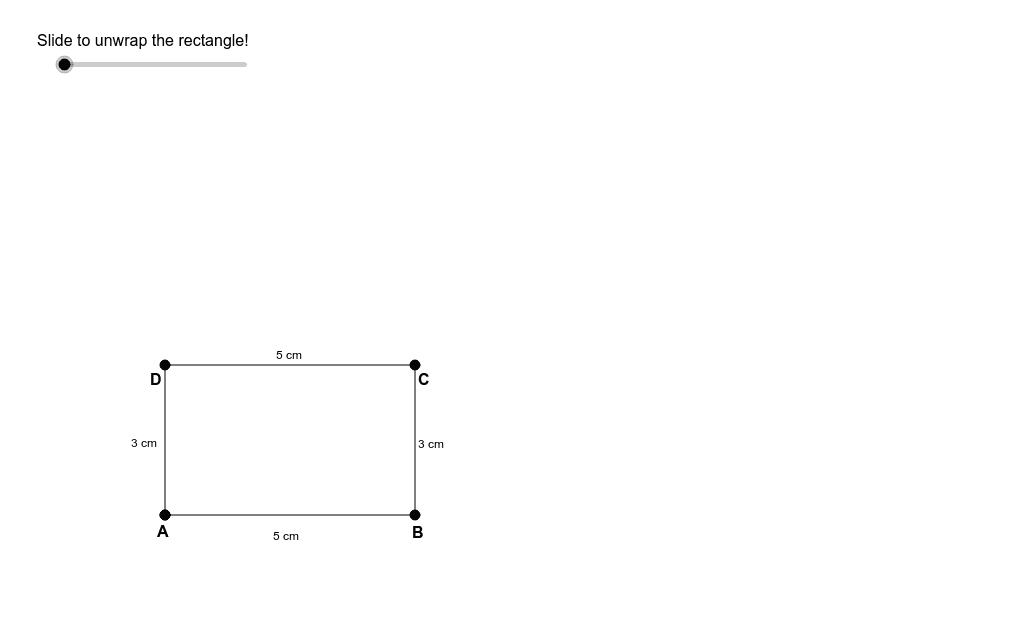
This example demonstrates the relationship between a rectangle's perimeter and linear distance using an unwrapping slider. Covers concepts like perimeter, rectangle, addition, linear regression, 2D vectors, and functions. Constructed with commands like Point, Segment, Rotate, etc. Suitable for middle school and above learning geometry and function relationships.
GeoGebra Commands & Parameters
Point(Circle[A, 5]) → BSegment(A, B) → aRotate(A, (-α), B) → A'Angle(A', B, A) → βRay(B, A') → bCircle(B, 3) → cIntersect(c, b, 1) → CSegment(B, C) → dRotate(B, (-α), C) → B'Angle(B', C, B) → γRay(C, B') → eCircle(C, 5) → fIntersect(f, e, 1) → DSegment(C, D) → gRotate(C, (-α), D) → C'Angle(C', D, C) → δRay(D, C') → hCircle(D, 3) → kIntersect(k, h, 1) → ESegment(D, E) → i
AI Drawing Prompt Reference
Draw a rectangle to demonstrate the relationship between its perimeter and linear distance using an unwrapping slider. Start by drawing one side of the rectangle, then rotate this side around a vertex to create the second side. Continue this process, rotating each new side around its respective vertex to complete the rectangle. Additionally, draw rays parallel to each side and mark points at specific distances along these rays. Connect these points to form a new shape, comparing the perimeters of the original and new shapes to illustrate how perimeter changes with side length.
The prompt above was compiled from the original drawing commands and is for reference only.