
Unit Circle Trig Generator v1.4
Loading the math board and drawing, please wait…
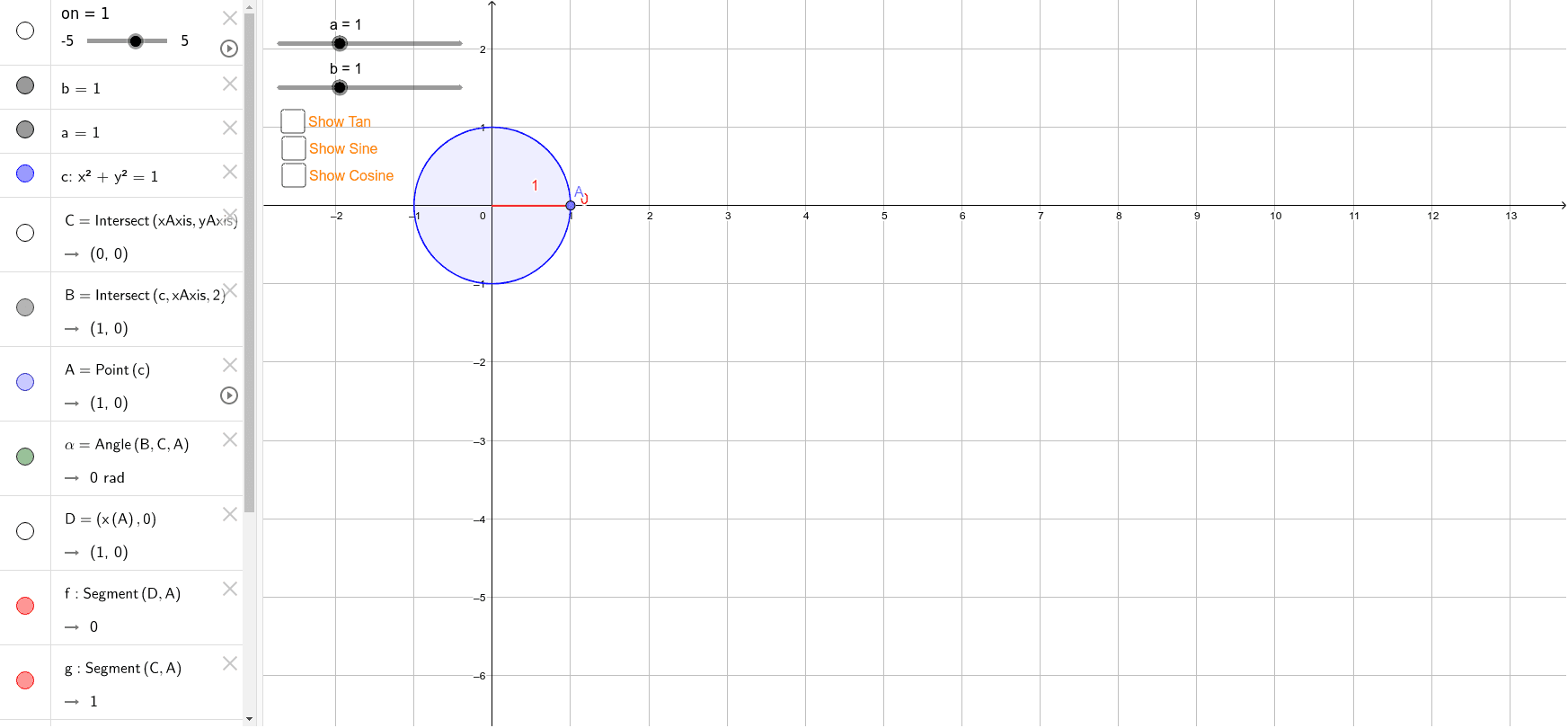
This interactive GeoGebra example dynamically generates sine, cosine, and related trigonometric values on the unit circle, visually linking an angle's measure to its function outputs. Core mathematical concepts include the unit circle definition of trigonometric functions, radian and degree measure, coordinates in the four quadrants, and the geometric interpretation of sine and cosine as segment lengths. The construction uses GeoGebra commands such as Intersect, Point, Angle, and Segment to place a movable point C on the circle, define angle α, and draw the sine and cosine segments along with auxiliary objects like Tangent, Sine, Cosine, and supporting lines. It is ideal for high school trigonometry lessons, pre-calculus review, and for teachers creating interactive demonstrations or students exploring trigonometric identities and periodicity.
GeoGebra Commands & Parameters
Intersect(xAxis, yAxis) → CIntersect(c, xAxis, 2) → BPoint(c) → AAngle(B, C, A) → αSegment(D, A) → fSegment(C, A) → gSegment(D, C) → h
AI Drawing Prompt Reference
Draw a unit circle and place a movable point C on it. Draw a ray from the origin to C, forming an angle α. Draw a tangent line perpendicular to the ray, and draw a horizontal line from the origin to C, and a vertical line from C to the origin. Draw a line segment from the origin to the tangent point. Show the degree of angle α, and mark a point B on the x-axis where the ray intersects, and show the length of the line segment from the origin to B, representing cos(α), and the length of the line segment from the origin to C, representing sin(α).
The prompt above was compiled from the original drawing commands and is for reference only.