
Types of Symmetry Demo
Loading the math board and drawing, please wait…
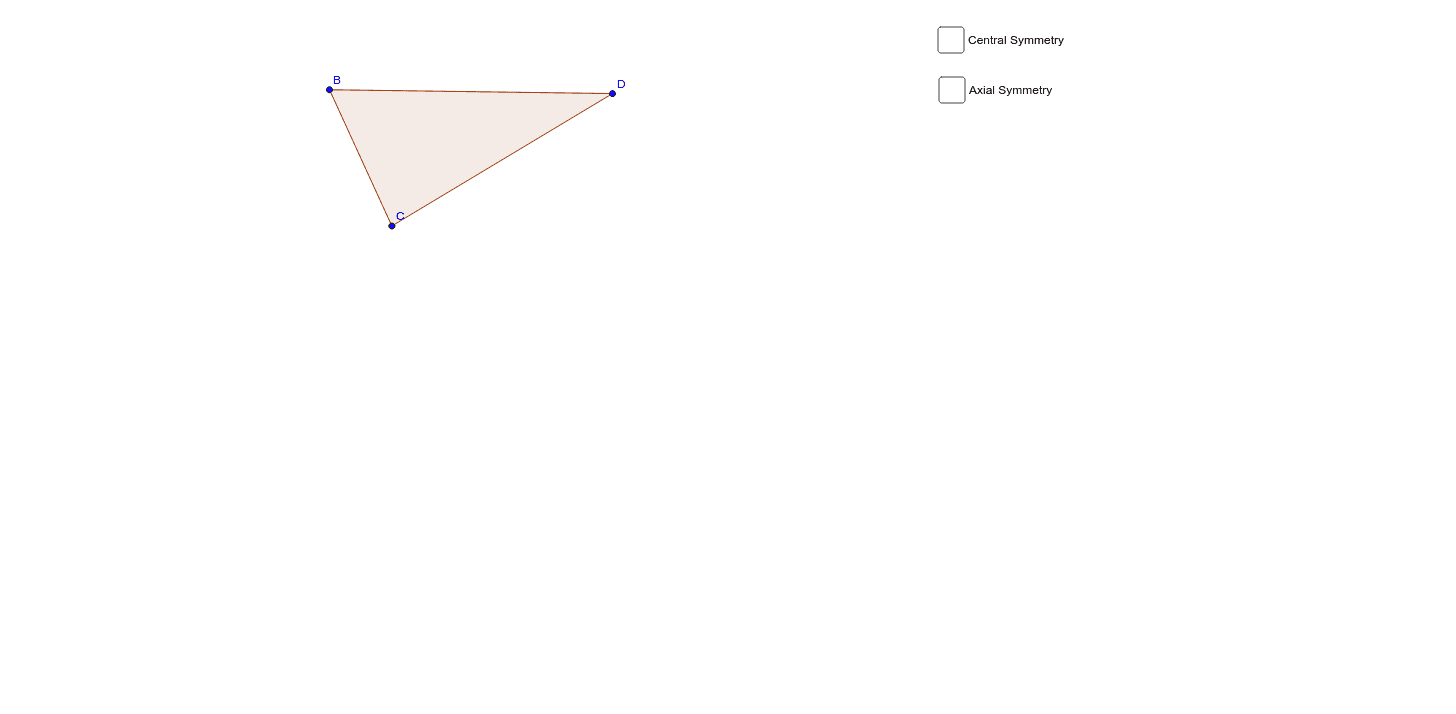
This example dynamically demonstrates the symmetry of polygons, visually showcasing different types of symmetry. It involves core mathematical concepts such as symmetry axes, mirror transformations, and polygonal geometric properties. The construction uses commands like Polygon, Mirror, and Segment. Suitable for middle school and high school students learning geometric transformations and symmetry concepts, as well as high school mathematics instruction.
GeoGebra Commands & Parameters
Polygon(B, C, D) → poly1, d, b_1, cMirror(B, A) → B'Mirror(C, A) → C'Mirror(D, A) → D'Polygon(B', C', D') → poly1', d', b', c'Segment(B, B') → eSegment(C', C) → fSegment(D', D) → gSegment(E, F) → hMirror(B, h) → B'_1Mirror(C, h) → C'_1Mirror(D, h) → D'_1Polygon(B'_1, C'_1, D'_1) → poly1'_1, d'_1, b'_1, c'_1Segment(B, B'_1) → iSegment(C'_1, C) → jSegment(D, D'_1) → k
AI Drawing Prompt Reference
Draw a polygon and demonstrate its symmetry. Start by creating a polygon, then reflect each vertex of the polygon over a point A to get new vertices. Connect these new vertices to form another polygon. Next, draw lines connecting each original vertex to its corresponding reflected vertex. Finally, reflect the original polygon over one of these lines to create a final shape, and connect the corresponding vertices with new lines.
The prompt above was compiled from the original drawing commands and is for reference only.