
Turtle Logo: Rotation and Translation Geometric Construction
Loading the math board and drawing, please wait…
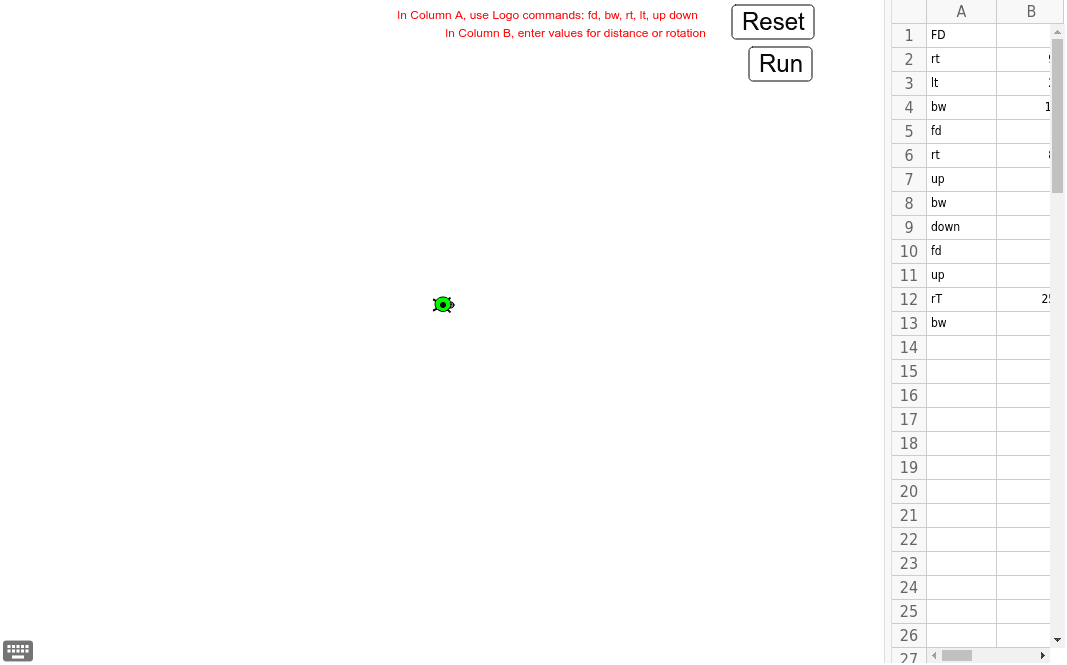
This example demonstrates geometric transformations through rotation and translation using Turtle Logo. Key mathematical concepts include rotation, translation, cosine, triangles, polygons, complex numbers, and the unit circle. Construction involves GeoGebra commands like Length, LetterToUnicode, Sequence, and Turtle. Suitable for middle school students learning geometric transformations and complex number applications, useful for math teaching and self-exploration.
GeoGebra Commands & Parameters
Length(A1:A30) → TotalRowsLetterToUnicode("a") → aLetterToUnicode("A") → bSequence(Text[Cell[1, n]], n, 1, TotalRows) → UserCmdsSequence(TextToUnicode[Element[UserCmds, k]], k, 1, TotalRows) → UserUnicodeSequence(lc(Element[UserUnicode, p]), p, 1, TotalRows) → lowerUserUnicodeSequence(UnicodeToText[Element[lowerUserUnicode, w]], w, 1, TotalRows) → lowerUserCmdsSequence(If[Element[lowerUserCmds, r] ≟ "fd" ∨ Element[lowerUserCmds, r] ≟ "bw", Text[Cell[2, r] + "]"], If[Element[lowerUserCmds, r] ≟ "rt" ∨ Element[lowerUserCmds, r] ≟ "lt", Text[Cell[2, r] + "°]"], ""]], r, 1, TotalRows) → EndCmdsSequence(Element[GeoCmds, IndexOf[Element[lowerUserCmds, t], LogoCmds]] + (Element[EndCmds, t]), t, 1, TotalRows) → UserGeoCmdsTurtle() → t1
AI Drawing Prompt Reference
Draw a polygon composed of multiple triangles, each generated through rotation and translation. Start by drawing an isosceles triangle with a base of 10 units. Then, rotate 60 degrees around the vertex of the triangle and translate to create the second triangle. Repeat this process to generate a series of triangles, forming a closed polygon.
The prompt above was compiled from the original drawing commands and is for reference only.