
Turtle Geometry Drawing
Loading the math board and drawing, please wait…
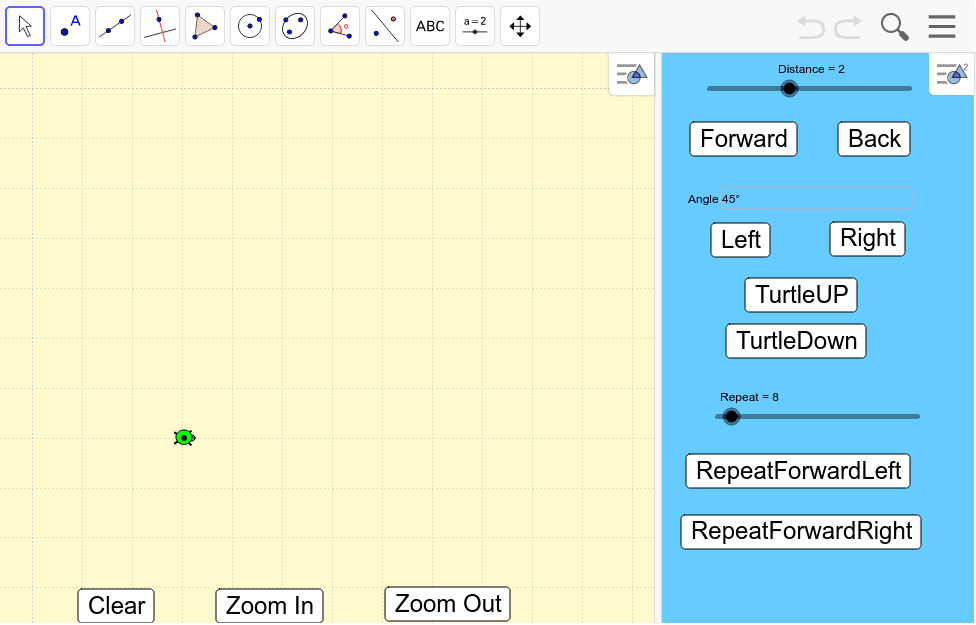
This example dynamically demonstrates geometric figure drawing and transformation using turtle buttons and sliders combined with geometry tools; core math concepts include vectors, circles, geometric distribution, plane figures, equilateral triangles; constructed with GeoGebra commands like Textfield, Turtle, Clear, α, Distance, Forward, Back, Angle, Left, Right, Up, Down, Repeat, RepeatFL, RepeatFR, Zin, Zout, tut; suitable for middle school and above mathematics teaching, visualizing geometric concepts and algorithm education.
GeoGebra Commands & Parameters
Textfield(α) → AngleTurtle() → tut
AI Drawing Prompt Reference
Dynamically demonstrate geometric figure drawing and transformation using turtle buttons and sliders combined with geometry tools, focusing on vectors, circles, geometric distribution, plane figures, and equilateral triangles, suitable for middle school and above mathematics teaching to visualize geometric concepts and algorithm education.
The prompt above was compiled from the original drawing commands and is for reference only.