
Tudor Arc
Loading the math board and drawing, please wait…
In collections
geometriadinamica.es
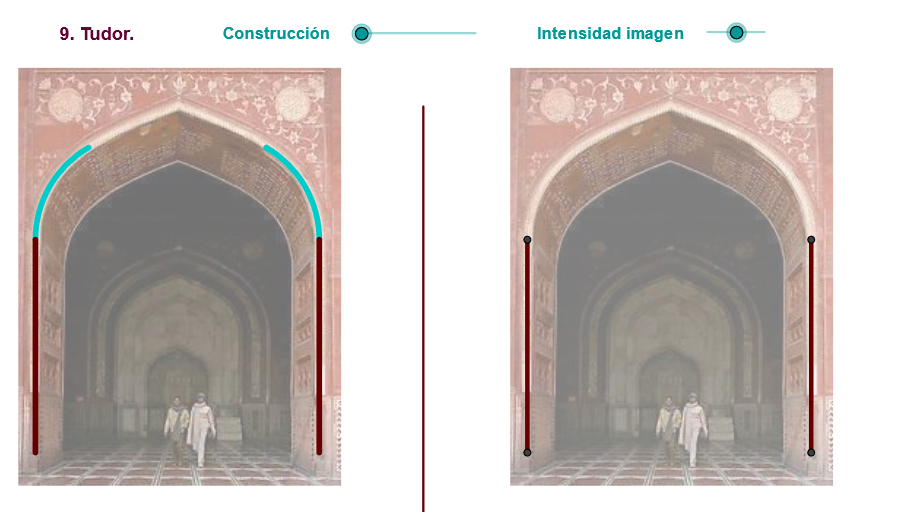
This example demonstrates the construction of a Tudor arc. Key mathematical concepts include circle arcs and geometric construction. It uses Segment, Midpoint, Line, Circle, Intersect, Polygon, If, Rotate, CircumcircleArc, Mirror, OrthogonalLine, Vector, Translate, Point, CircleArc, Min, Arc commands in GeoGebra. Suitable for high school geometry education.
GeoGebra Commands & Parameters
Segment(D, B) → eMidpoint(C, D) → FLine(F, e) → kMidpoint(F, C) → RMidpoint(R, F) → VCircle(C, V) → h_2Circle(V, C) → e_2Intersect(e_2, h_2, 2) → ZPolygon(C, Z, V) → poly1, v, c_3, zIf(zz ≤ 0, 10, zz) → cRotate(C, Max[((-(c - 2)) * 60 / (3°)), 300.00000000000006°], V) → S1_1Segment(V, S1_1) → g_2Midpoint(C, D) → ESegment(A, C) → dRotate(C, 359.91000000000014°, E) → C''CircumcircleArc(C, C'', S1_1) → gSegment(C, F) → rMirror(D, k) → D'_1Segment(R, S1_1) → fSegment(R, S1_1) → n_1OrthogonalLine(S1_1, g_2) → s_1Mirror(C, k) → C'Mirror(C'', k) → C'''Mirror(S1_1, k) → S1'CircumcircleArc(C', C''', S1') → g'Mirror(S1_1, k) → S1'_1Mirror(T, k) → T'Mirror(S1_1, k) → S1'_2Mirror(R, k) → R'Mirror(S1_1, k) → S1'_3Segment(R', S1'_3) → f'Mirror(C, k) → C'_3Mirror(S1_1, k) → S1'_4Mirror(V, k) → V'Midpoint(R, C) → WMirror(C, k) → C'_4Mirror(Z, k) → Z'Mirror(V, k) → V'_1Polygon(C'_4, Z', V'_1) → poly1', v'_1, c'_4, z'Mirror(C, k) → C'_2Midpoint(C, D) → LSegment(C, L) → a_1Mirror(C, k) → C'_6Segment(T, T1) → f_2Mirror(D, f_2) → D'Mirror(B, f_2) → B'Segment(D', B') → e'Mirror(A, f_2) → A'Mirror(C, f_2) → C'_7Segment(A', C'_7) → d'Vector(A, B') → u_1Mirror(Z, k) → Z'_1Translate(pic1, u_1) → pic1'Translate(pic3, u_1) → pic3'Line(Z, V) → t_1Line(D, B) → a_2Intersect(t_1, a_2) → SPoint(k) → UCircleArc(S, U, Z) → c_2Min(cc, Distance[Z, U]) → cdCircle(Z, cd) → d_2Intersect(c_2, d_2, 1) → C_1Segment(S, C_1) → b_2CircleArc(S, C_1, S1_1) → k_2Segment(S1_1, S) → i_2Segment(B, S) → j_2Segment(C_1, S) → l_2Mirror(S, k) → S'Mirror(C_1, k) → D_1Mirror(S1_1, k) → E_1Arc(Mirror[Circle[S, C_1], k], D_1, E_1) → p_2Mirror(C_1, k) → F_1Mirror(S, k) → S'_1Segment(F_1, S'_1) → m_2Mirror(S1_1, k) → G_1Mirror(S, k) → S'_2Segment(G_1, S'_2) → n_2Mirror(B, k) → B'_1Mirror(S, k) → S'_3Segment(B'_1, S'_3) → q_2Segment(V', E_1) → r_2Mirror(V', k) → V''Mirror(E_1, k) → H_1Segment(V'', H_1) → s_2Segment(V, S) → hMirror(V, k) → V'_2Mirror(S, k) → S'_4Segment(V'_2, S'_4) → h'
AI Drawing Prompt Reference
Create a Tudor arch architectural element. Start by defining two base points for the arch endpoints and connect them to form the doorway segment. Find the midpoint of the doorway and draw a perpendicular line upward from it. Draw two circles—one centered at the midpoint through the top point, and another centered at the top point through the midpoint—their intersection determines the arch control point. Connect the midpoint with the control point to form the arc support line. Create circular arcs using the endpoints and control point to form the arch edges. Mirror the entire arch structure horizontally to complete the Tudor arch. Add decorative polygonal elements below the arch to finish the design.
The prompt above was compiled from the original drawing commands and is for reference only.