
Triple a Line Segment: Geometric Construction
Loading the math board and drawing, please wait…
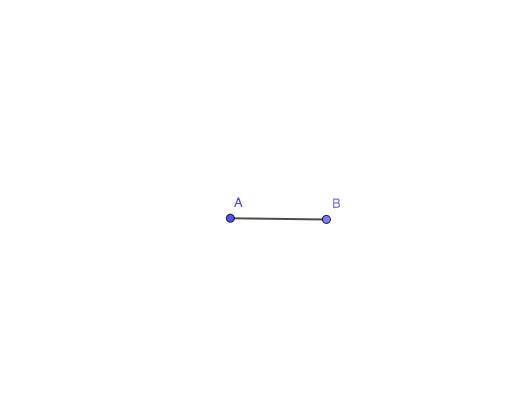
This example demonstrates how to trisect a given line segment AB into three equal parts using geometric construction. The core mathematical concepts involve segment division, ratio, and classical straightedge-and-compass construction. Construction steps: use the Circle command with center A, place points on the circle via the Point command, and connect points using the Segment command to achieve the trisection points. Suitable for middle school and above, this example serves as a clear illustration of geometric construction principles, reinforcing understanding of proportional segments and circle properties.
GeoGebra Commands & Parameters
Circle(A, 5) → cPoint(c) → BSegment(A, B) → f
AI Drawing Prompt Reference
Draw a geometric construction diagram showing how to trisect a line segment. Start with a circle centered at one endpoint of the segment, with an arbitrary radius. Place another point on the circle to serve as the other endpoint, and connect these two points to form the segment. Then, using the circle's properties, mark points on the circumference and connect them to the center or endpoints to construct the trisection points that divide the original segment into three equal parts. The diagram should clearly show the circle, the segment, and the trisection points, illustrating the straightedge-and-compass construction process.
The prompt above was compiled from the original drawing commands and is for reference only.