
Trigonometry and Vectors
Loading the math board and drawing, please wait…
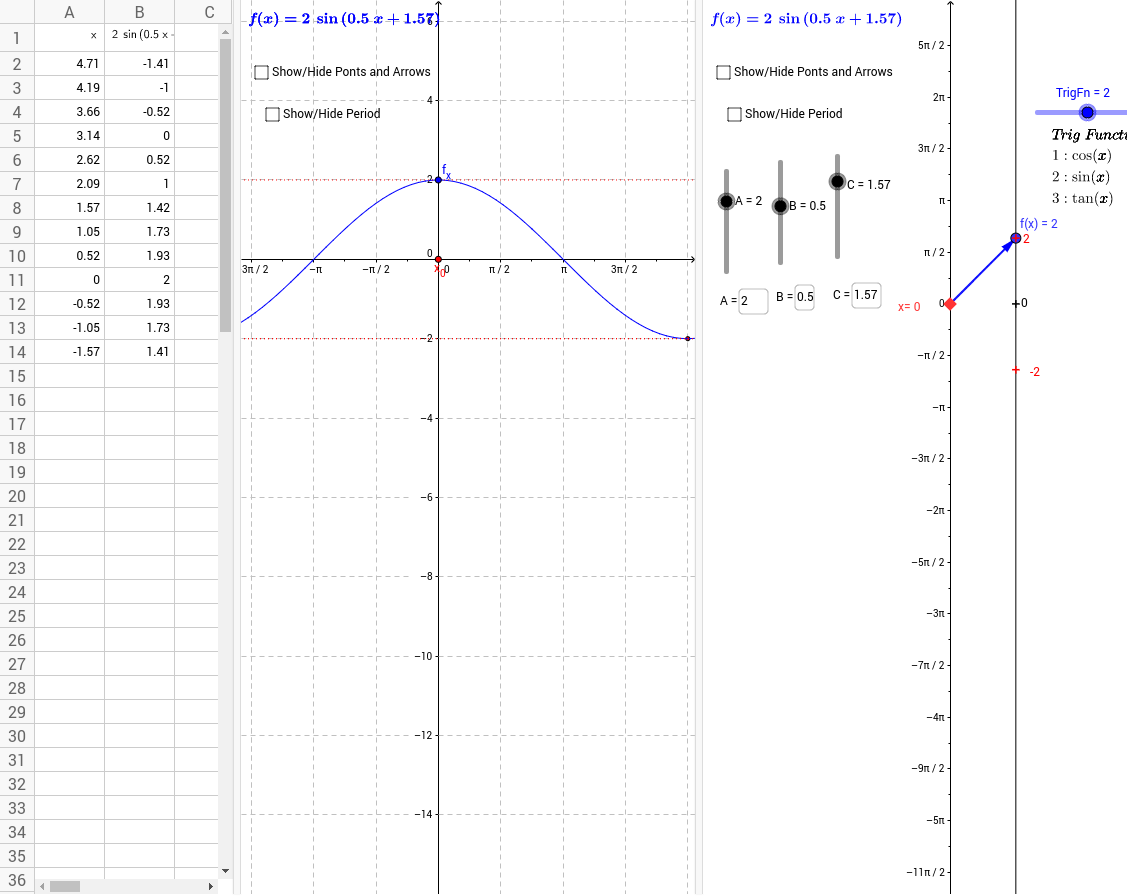
This example demonstrates the basic concepts of trigonometric functions and vectors, and their applications. By constructing the graphs of trigonometric functions and related geometric figures, it helps students understand the properties of trigonometric functions and vector operations. Commands used include Element, Point, Vector, Segment, Sequence, Textfield, Derivative, Zip, etc. Suitable for high school mathematics education and learning.
GeoGebra Commands & Parameters
Element(TrigL, TrigFn) → fPoint(yAxis) → aVector(a, f_a) → uSegment(C_1, D) → eVector(E, F) → vSequence((k, f(k)), k, C - π, C + π, 0.5235987755982988) → list1Sequence(Vector[(0, k), (2, f(k))], k, C - π, C + π, 0.5235987755982988) → list2Sequence(Segment[(i, f(i)), ((2 * C) - i, f((2 * C) - i))], i, C - π, C, 0.5235987755982988) → list3Vector(G, H) → wSegment(f_x, J) → jSequence(Segment[(i, f(i)), (π - i, f(π - i))], i, 0, 3.141592653589793, 0.5235987755982988) → suplTextfield(B) → inputBox1Textfield(C) → InputBox1Derivative(f) → f'Vector(f_a, (2, y(f_a) + f'(y(a)))) → hSequence(-5, 5) → nlistZip(((1 / B * ((2 * k) + 1)) * π / 2) - C / B, k, nlist) → xtrslistZip((z, f(z)), z, xtrslist) → xtrsptsZip(((1 / B * k) * π) - C / B, k, nlist) → xrtclistZip((z, f(z)), z, xrtclist) → xtrcptsTextfield(A) → InputBox2Segment(a, Q) → lSegment(a, P) → mVector(P, f_a) → nVector(Q, f_a) → pSegment(f_x, M) → sSegment(f_x, R) → q