
Trigonometric Equation Generator
Loading the math board and drawing, please wait…
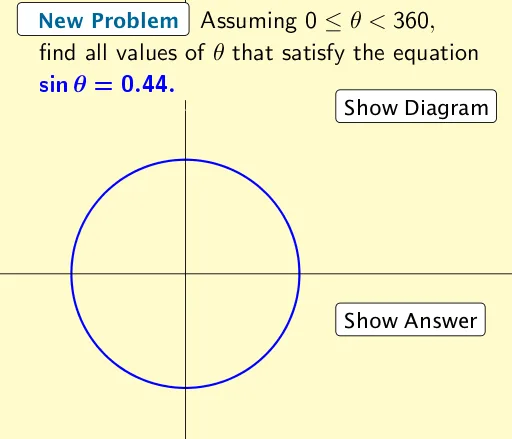
This example demonstrates how to dynamically generate and solve trigonometric equations. It involves core math concepts like trigonometric functions, equation solving, and geometric transformations. Construction highlights include GeoGebra commands such as Intersect and Polygon, with objects like buttons, sliders, and function graphs. Suitable for high school mathematics students and teachers for teaching demonstrations and problem exploration.
GeoGebra Commands & Parameters
Intersect(c, f, 1) → AIntersect(c, f, 2) → BIntersect(c, i, 1) → CIntersect(c, i, 2) → DIntersect(c, j, 1) → EIntersect(c, j, 2) → FPolygon(G, H, J, I) → poly1, g_1, h_1, j_1, i_1
AI Drawing Prompt Reference
Draw a dynamic geometric figure including a sine function graph and two reference lines, construct a pentagon using the intersection points of the sine function graph with the reference lines, demonstrating the geometric meaning of the sine function and the process of equation solving, observe the changes in the pentagon as the reference lines are dynamically adjusted.
The prompt above was compiled from the original drawing commands and is for reference only.