
Trigonometric Equation Generator by Norm Prokup
Loading the math board and drawing, please wait…
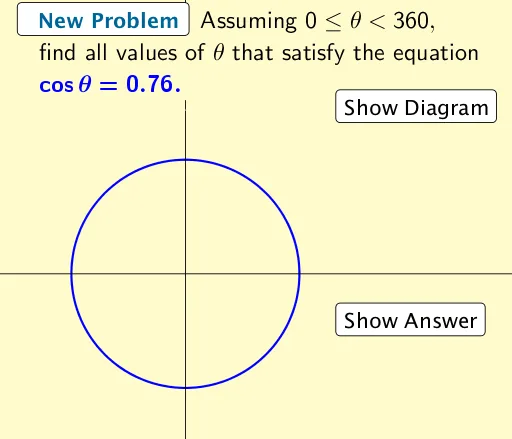
This example demonstrates how to generate trigonometric equations using GeoGebra. Core math concepts include trigonometric functions. Commands used include Intersect, Polygon, etc. Suitable for high school math education and learning.
GeoGebra Commands & Parameters
Intersect(c, f, 1) → AIntersect(c, f, 2) → BIntersect(c, i, 1) → CIntersect(c, i, 2) → DIntersect(c, j, 1) → EIntersect(c, j, 2) → FPolygon(G, H, J, I) → poly1, g_1, h_1, j_1, i_1
AI Drawing Prompt Reference
Draw a quadrilateral by finding intersection points of a circle and a sine curve. First, draw a circle, then a sine curve, and find the intersection points A, B, C, D, E, F. Finally, use these points to form a quadrilateral.
The prompt above was compiled from the original drawing commands and is for reference only.