
Triangle vs Rectangle Area Comparison
Loading the math board and drawing, please wait…
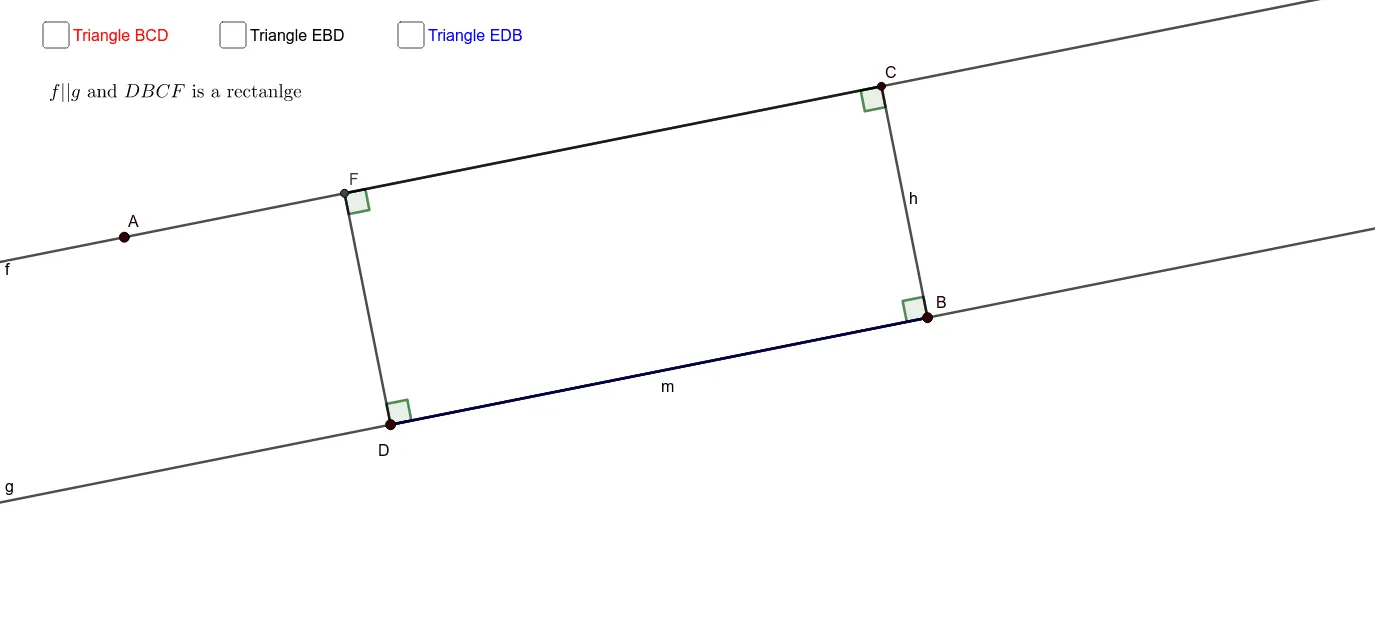
This example demonstrates how to dynamically compare the area of a triangle to that of a rectangle using GeoGebra. Key math concepts include area calculation, geometric relationships, and coordinate geometry. The construction utilizes commands such as Line, Point, Polygon, OrthogonalLine, Intersect, Angle, and Segment. It is suitable for high school mathematics education, helping students understand the properties of geometric figure areas and dynamic demonstrations.
GeoGebra Commands & Parameters
Line(A, B_1) → fLine(C_1, f) → gPoint(g) → DPoint(f) → EPoint(g) → BPolygon(D, E, B) → t1, f_1, d, eOrthogonalLine(B, f) → hIntersect(f, h) → CAngle(C, B, D) → αPoint(f) → HPolygon(D, H, B) → t2, f_2, d_1, h_1Polygon(C, B, D) → t3, d_2, g_1, f_3OrthogonalLine(D, e) → iIntersect(f, i) → FPolygon(C, B, D, F) → q1, c, b, d_3, f_4Angle(B, D, F) → βAngle(D, F, C) → γAngle(F, C, B) → δOrthogonalLine(E, e) → jIntersect(g, j) → GSegment(E, G) → kOrthogonalLine(H, g) → lIntersect(g, l) → NSegment(H, N) → m