
Triangle Rotation Tessellation Step 1: Construct Triangle Segments by M.Towne
Loading the math board and drawing, please wait…
In collections
Real Triangle Rotation Tessellation Math 206 by Marie Towne
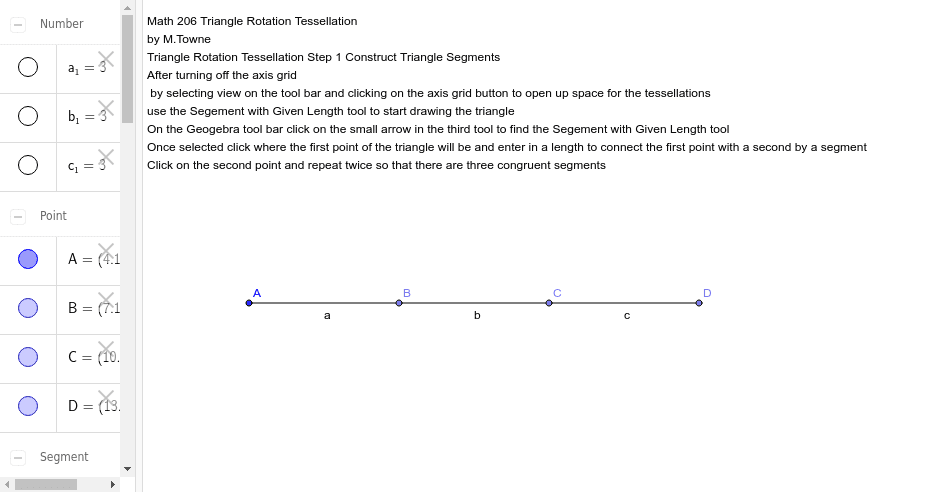
This example demonstrates the first step in creating a triangle rotation tessellation by constructing triangle segments. Core math concepts include rotation, circumcircle, median value, and arithmetic operations. It uses GeoGebra commands like Point and Segment to create objects such as points A, a_1, B, a, b_1, C, b, c_1, D, c, and text1. Suitable for high school mathematics teaching or geometric construction learning.
GeoGebra Commands & Parameters
Point(Circle[A, 3]) → BSegment(A, B) → aPoint(Circle[B, 3]) → CSegment(B, C) → bPoint(Circle[C, 3]) → DSegment(C, D) → c
AI Drawing Prompt Reference
Draw a triangle, then draw circles with a radius of 3 centered at each vertex, and find points B, C, and D where the circles intersect. Connect these points to form the sides of the triangle.
The prompt above was compiled from the original drawing commands and is for reference only.