
Triangle Area and Perimeter Demo
Loading the math board and drawing, please wait…
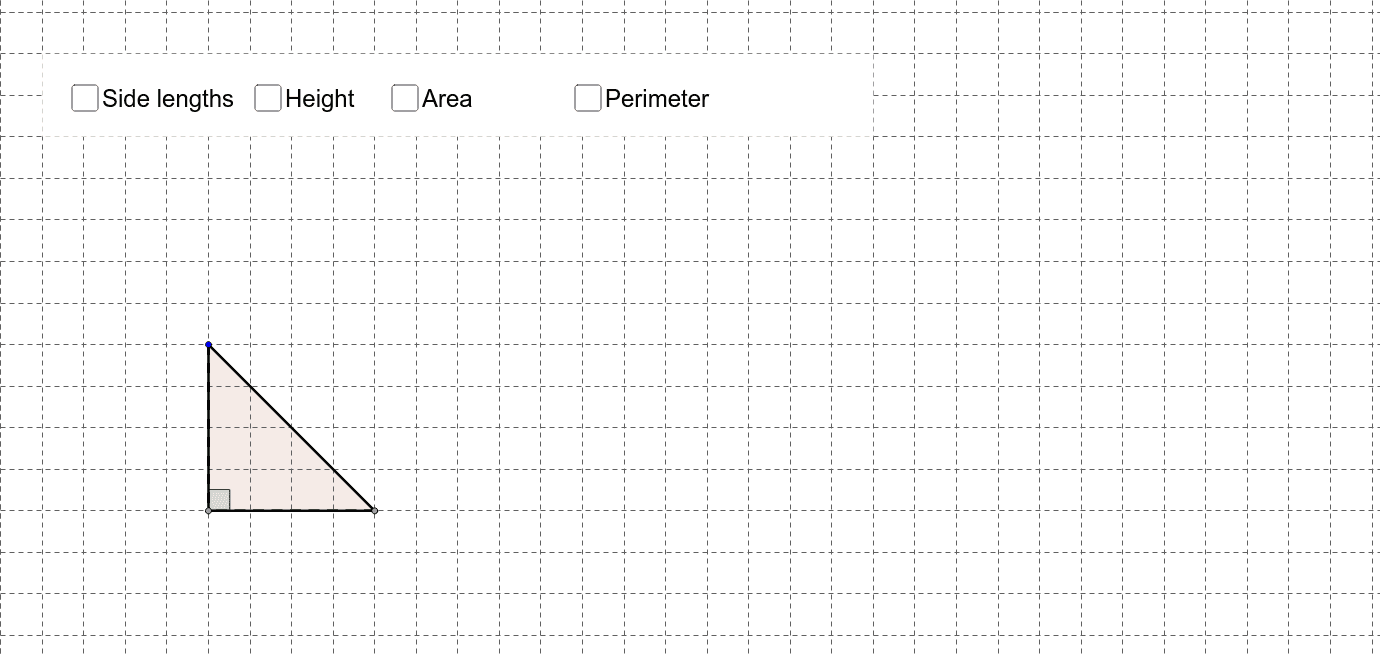
This example demonstrates how to dynamically visualize the area and perimeter of a triangle using GeoGebra. It involves core mathematical concepts such as area formulas, perimeter calculation, geometric transformations, and symmetry. Key GeoGebra commands/objects used include Point, Polygon, OrthogonalLine, Intersect, Angle, Segment, Perimeter, and Area. Suitable for middle school students and above to learn geometric calculations and dynamic demonstrations, as well as visualizing integral and limit concepts in calculus.
GeoGebra Commands & Parameters
Point(a) → APoint(a) → BPolygon(A, B, C) → poly1, c, a_1, bOrthogonalLine(C, a) → dIntersect(a, d) → DAngle(C, D, A) → αSegment(C, D) → eSegment(B, D) → fSegment(D, A) → gAngle(B, D, C) → βSegment(C, A) → iSegment(A, B) → jSegment(B, C) → kSegment(C, D) → lPerimeter(poly1) → oArea(poly1) → areaPolygon(E, F, G, H) → poly2, e_1, f_1, g_1, h_1
AI Drawing Prompt Reference
Draw a triangle and dynamically display its area and perimeter. Start with three points and connect them to form the triangle. Then, draw a perpendicular line from the third point to one side to find the foot of the perpendicular. Measure the angles and lengths of the sides, and calculate the perimeter and area. Finally, highlight these measurements and geometric elements in different colors or styles to clearly show the calculation process and geometric relationships.
The prompt above was compiled from the original drawing commands and is for reference only.