
Trapezoid Area Calculation Practice
Loading the math board and drawing, please wait…
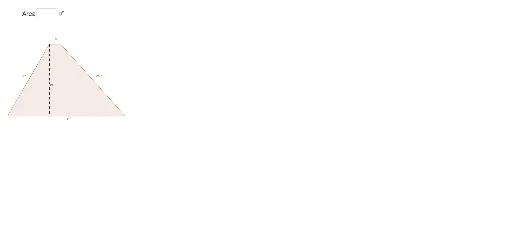
This example demonstrates how to dynamically calculate the area of a trapezoid. It involves core math concepts like trapezoid definition, area formula, and coordinate geometry. Construction highlights include using commands like Line, OrthogonalLine, Intersect, Segment, Polygon, and Textfield. Suitable for middle school and above students for geometry learning and practice.
GeoGebra Commands & Parameters
Line(A, B) → dOrthogonalLine(C, d) → aIntersect(d, a) → GSegment(C, G) → bPolygon(A, B, D, C) → poly1, a_1, b_1, d_1, cTextfield(GetArea) → InputBox1Textfield(GetPerimeter) → InputBox2
AI Drawing Prompt Reference
Draw a trapezoid and dynamically calculate its area and perimeter. Start by drawing two parallel lines, then draw a perpendicular line from a point on one line to the other line, and connect the foot of the perpendicular to the point to form the other leg of the trapezoid. Fill the quadrilateral formed by the four sides and two parallel lines, and display text boxes for inputting the area and perimeter of the trapezoid.
The prompt above was compiled from the original drawing commands and is for reference only.