
Practice: Finding Area and Perimeter of Trapezoids
Loading the math board and drawing, please wait…
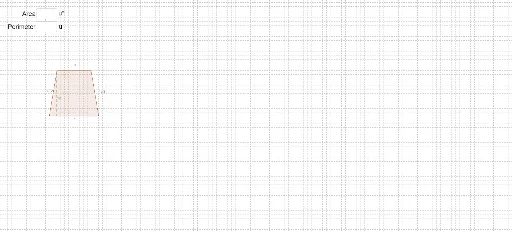
This interactive GeoGebra example is designed for practicing the calculation of trapezoid area and perimeter. It demonstrates a dynamic trapezoid with adjustable dimensions, allowing users to input their computed values and receive immediate correctness feedback. The core mathematical concepts include the area formula (average of bases times height) and perimeter as the sum of all sides, along with geometric properties such as parallel sides and perpendicular heights. The construction utilizes GeoGebra commands such as Line, OrthogonalLine, Intersect, Segment, Polygon, and Textfield, with interactive elements like input boxes and buttons. JavaScript variables (JavascriptArea, JavascriptPerimeter) are used to compute and check answers. This resource is suitable for middle school geometry lessons or self-study, providing hands-on practice to reinforce understanding of trapezoid measurements and formulas.
GeoGebra Commands & Parameters
Line(A, B) → dOrthogonalLine(C, d) → aIntersect(d, a) → GSegment(C, G) → bPolygon(A, B, D, C) → poly1, a_1, b_1, d_1, cTextfield(GetArea) → InputBox1Textfield(GetPerimeter) → InputBox2
AI Drawing Prompt Reference
Draw a trapezoid with four points A, B, C, and D as its vertices, where AB and CD are the parallel bases, and AD and BC are the non-parallel sides. Use points A, B, and C to draw three sides of the trapezoid, then add a parallel line segment CD. Draw the height of the trapezoid, a perpendicular line from C to AB, intersecting at point G, and connect CG. Finally, calculate the area and perimeter of the trapezoid and input the values in the respective input boxes.
The prompt above was compiled from the original drawing commands and is for reference only.