
Translate: Easy - Basic Translation Example
Loading the math board and drawing, please wait…
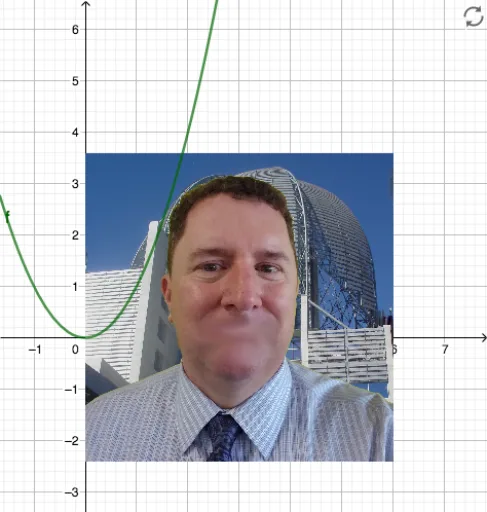
This GeoGebra example demonstrates a simple translation transformation, where an object (such as a triangle or any figure) is moved along a specified vector, showing that translation preserves shape and size. The core mathematical concept is the translation in plane geometry, a rigid transformation involving vectors, parallel and equal segments connecting corresponding points, and congruence of figures. Construction highlights: based on the summary, the example uses objects f (possibly a function or shape) and pic1 (likely an image or auxiliary object), with the GeoGebra 'Translate' command to perform the shift. Users can drag the vector or adjust parameters to observe the effect. This is suitable for middle or high school geometry lessons on translation and vectors, and also serves as an introductory GeoGebra activity to help students grasp dynamic geometry transformations intuitively.
GeoGebra Commands & Parameters
f(x) = x^(2)
AI Drawing Prompt Reference
Draw a Cartesian coordinate plane with a parabola opening upward as the original shape. Add a vector starting from the origin to indicate the direction and distance of translation. Translate the parabola along this vector to create a new identical parabola, with corresponding points connected by parallel and equal segments. Use dashed lines or different colors to distinguish the original and translated figures, and keep the vector arrow visible to show that translation preserves shape and size.
The prompt above was compiled from the original drawing commands and is for reference only.