
Transforming an Image
Loading the math board and drawing, please wait…
In collections
Learn GeoGebra Classic
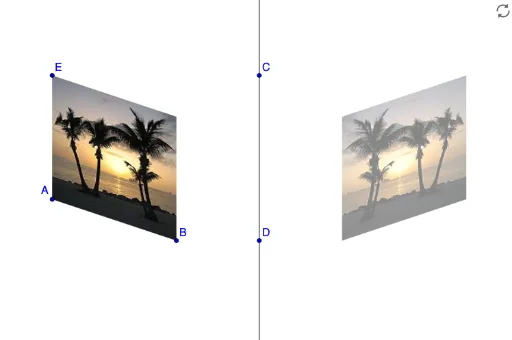
This example demonstrates how to resize, reflect, and distort an inserted image using GeoGebra. It involves core mathematical concepts like geometric transformations and image manipulation. Key constructions include using the Line command to draw lines, the Mirror command for reflection, and manipulating objects A, pic1, C, D, a, pic1', B, E for transformation effects. Suitable for middle school students and above to learn basic methods of geometric transformations and image processing, ideal for math education and exploration purposes.
GeoGebra Commands & Parameters
Line(C, D) → aMirror(pic1, a) → pic1'