
Transformation - Rotation
Loading the math board and drawing, please wait…
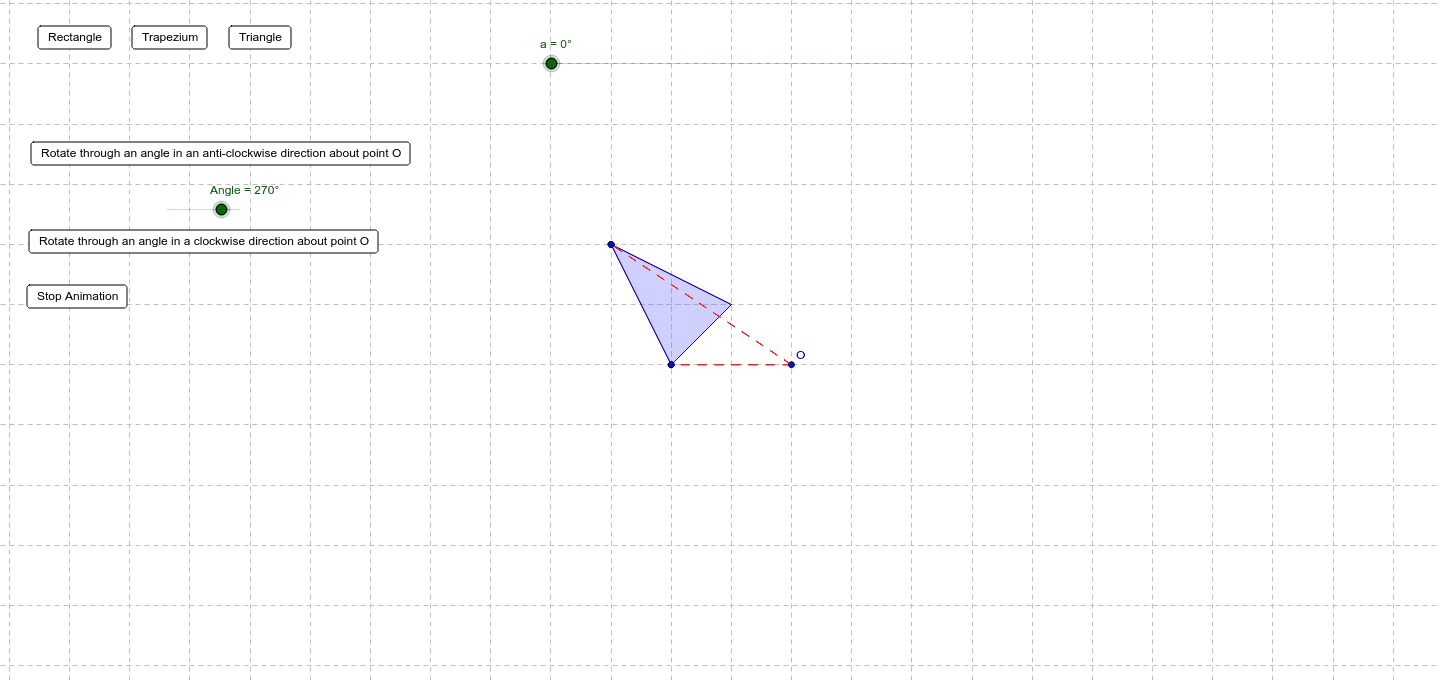
This example demonstrates how to perform rotation transformations using GeoGebra. Key mathematical concepts include vectors and rotation. Commands such as Polygon, Rotate, Segment, and Arc are used to construct the rotated shapes. Suitable for students at the junior high school level and above to learn about geometric transformations.
GeoGebra Commands & Parameters
Polygon(A, B, C) → poly1, b, c, dRotate(A, -a, O) → A'Rotate(B, a, O) → B'Rotate(C, -a, O) → C'Rotate(D, a, O) → D'Polygon(Rotate[A, -a, O], Rotate[B, -a, O], Rotate[C, -a, O]) → poly2, e, f, gSegment(O, A) → a2Segment(O, A') → a3Segment(O, C) → c2Segment(O, C') → c3Arc(Circle[O, A], A', A) → a1Arc(Circle[O, C], C', C) → c1
AI Drawing Prompt Reference
Draw a triangle ABC, then rotate it around point O by -α degrees to get A' and by α degrees to get B' and C'. Draw line segments OA, OA', OC, and OC'. Also, draw arcs with O as the center and A, C as the radii for A' and C'.
The prompt above was compiled from the original drawing commands and is for reference only.