
Reflection Transformation Demo by kwanchau
Loading the math board and drawing, please wait…
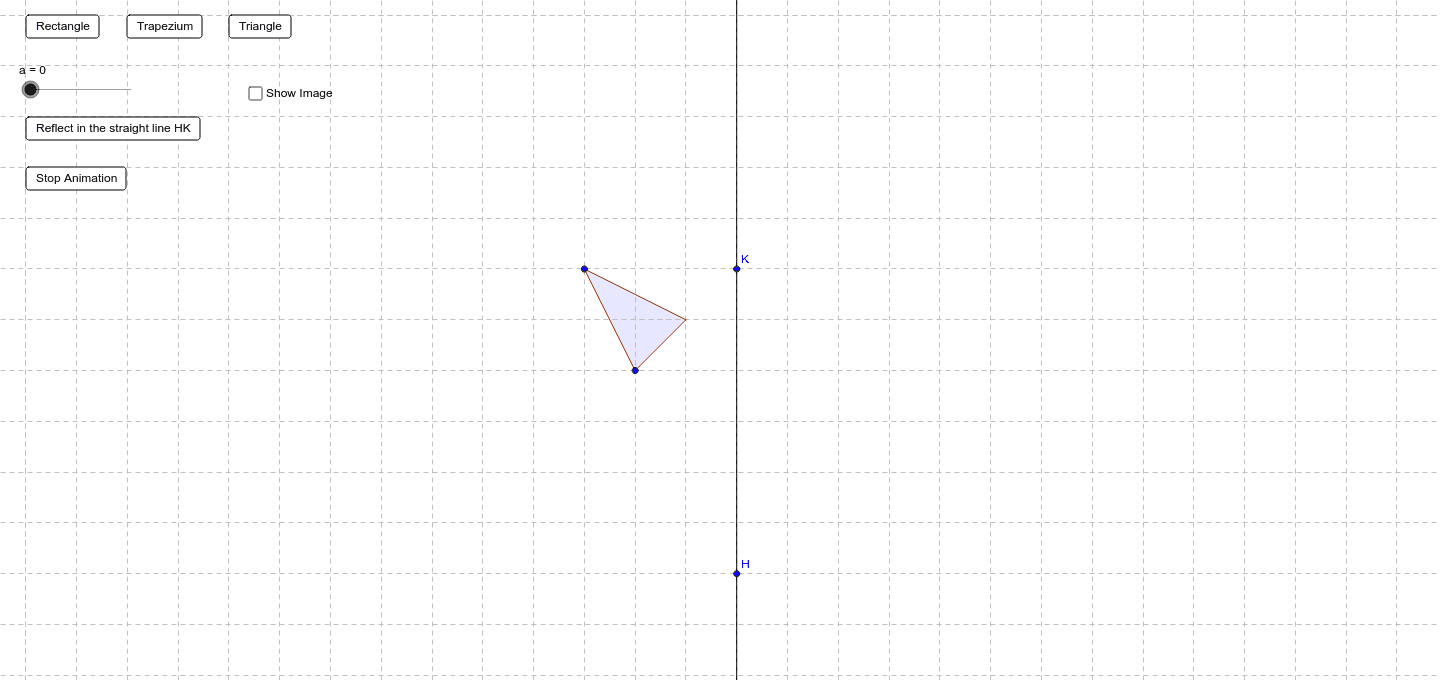
This example demonstrates the reflection transformation of a figure across a line and its properties. Key math concepts include reflection, line segment, area, polygon construction, and vector operations. GeoGebra commands used in construction are Line, Translate, Mirror, Polygon, and Vector. Suitable for high school mathematics teaching to understand geometric transformations and optimization problems.
GeoGebra Commands & Parameters
Line(H, K) → hTranslate(D, Vector[(0, 0), (a, 0)]) → D'Mirror(A, h) → A'Polygon(Mirror[A, h], Mirror[B, h], Mirror[C, h]) → poly2, e, f, gPolygon(A, B, C) → poly1, b, c, dVector(A, A + a * Vector[A, A']) → vMirror(B, h) → B'Mirror(C, h) → C'Vector(C, C + a * Vector[C, C']) → u
AI Drawing Prompt Reference
Draw a triangle ABC, then reflect it across a line h to get a new triangle A'B'C'. First, draw a line h, then translate points A, B, and C along the vector (a, 0), and reflect these points across the line h. Finally, use points A', B', and C' to construct a new triangle.
The prompt above was compiled from the original drawing commands and is for reference only.