
Point Rotation by kwanchau
Loading the math board and drawing, please wait…
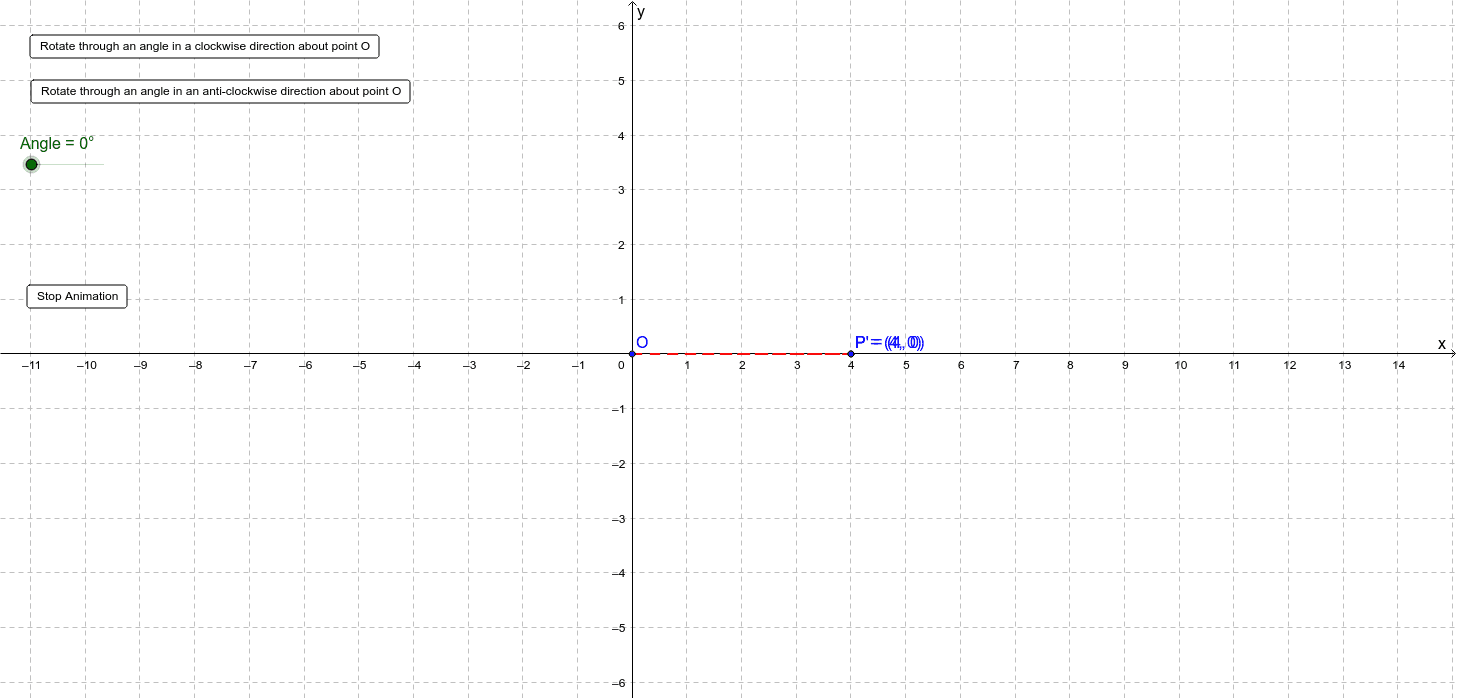
This example demonstrates the rotation of point P around point O by a specified angle in 3D space, resulting in a new position P'. It involves core mathematical concepts like 3D vectors, rotation matrices, and coordinate transformations. Key GeoGebra commands used include Rotate, Segment, and Arc, with objects like O (center), P (rotating point), Angle (rotation angle), and parameter a. Suitable for high school and above students studying 3D geometry, vector operations, and spatial transformations.
GeoGebra Commands & Parameters
Rotate(P, -a, O) → P'Segment(O, P) → a2Segment(O, P') → a3Arc(Circle[O, P], P', P) → a1
AI Drawing Prompt Reference
In 3D space, rotate point P around point O by an angle -a to reach a new position P'. Draw line segments connecting O to P (a2) and O to P' (a3), and sketch the circular arc from P to P' passing through O (a1) to visualize the rotation path and spatial relationship.
The prompt above was compiled from the original drawing commands and is for reference only.