
Transform Vector ⟨3, –5⟩ with a Transformation Matrix and Graph Both
Loading the math board and drawing, please wait…
In collections
UCSS Secondary Math I Unit 6 Lesson 3
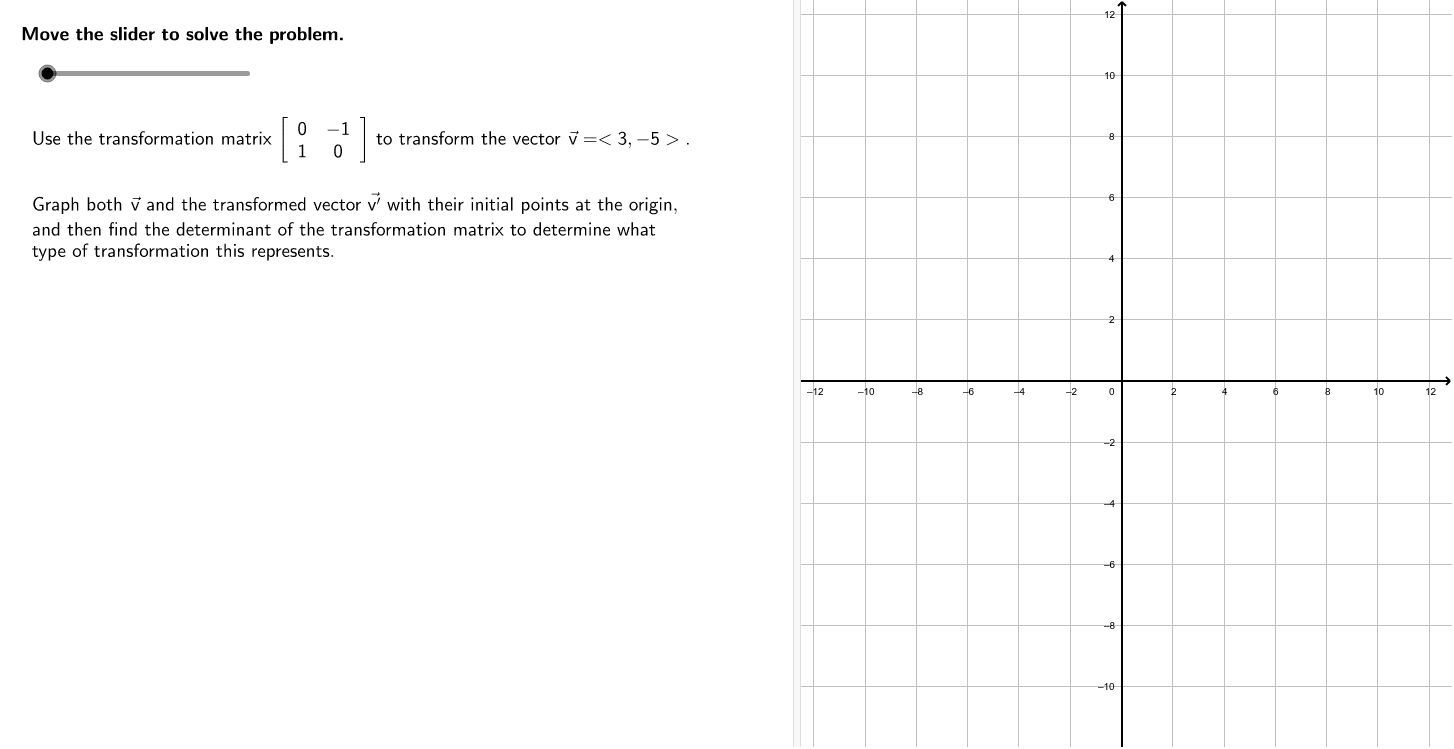
① This example demonstrates applying a given transformation matrix to the vector ⟨3, –5⟩ and graphing both the original and transformed vectors. ② Core mathematical concepts include vectors, matrix multiplication, linear transformations, and their geometric interpretation in coordinate geometry. ③ Construction highlights: GeoGebra commands TableText, Element, CircleArc, Angle are used together with objects such as v, v2, v1, mT, M1, M1b, M2b, M3b, vt, vb, vgb to build the transformation matrix, compute the image vector, and annotate angles and arcs. ④ Suitable for high‑school vector and matrix topics, introductory linear algebra courses, and as a dynamic GeoGebra teaching resource.
GeoGebra Commands & Parameters
TableText(M1, "[]c") → M1bTableText({{v1}, {v2}}, "[]c") → vbTableText({{"\textit{a}"}, {"\textit{b}"}}, "[]c") → vgbElement(M1, 1, 1) → M111Element(M1, 1, 2) → M112Element(M1, 2, 2) → M122Element(M1, 2, 1) → M121TableText({{"(" + M111 + ") •(" + v1 + ")+(" + M112 + ")•(" + v2 + ")"}, {"(" + M121 + ") •(" + v1 + ")+(" + M122 + ")•(" + v2 + ")"}}, "[]c") → M2bTableText({{"(" + ((M111 * v1)) + ")+(" + ((M112 * v2)) + ")"}, {"(" + ((M121 * v1)) + ")+(" + ((M122 * v2)) + ")"}}, "[]c") → M3bTableText({{x(vt)}, {y(vt)}}, "[]c") → vtbTableText({{"a", "c"}, {"b", "d"}}, "[]c") → MgbCircleArc(P0, BeginPt, EndPoint) → cAngle(BeginPt, P0, EndPoint) → αTableText(M1_1, "[]c") → M1b_1
AI Drawing Prompt Reference
Create a 2D coordinate-geometry diagram showing a linear transformation of the vector (3, -5). Draw the original vector from the origin, display a 2×2 transformation matrix, and show the matrix multiplication expanded into its component products. Then compute the transformed vector and draw it from the same starting point, labeling its coordinates so the image vector is clear. Include the matrix, the multiplication expression, and the resulting vector in the same figure. Near the common starting point, add a small circular arc and an angle mark to indicate the angle between the original and transformed vectors. Keep the layout clean and instructional, suitable for teaching vectors, matrices, and linear transformations.
The prompt above was compiled from the original drawing commands and is for reference only.