
Torus Construction Demo
Loading the math board and drawing, please wait…
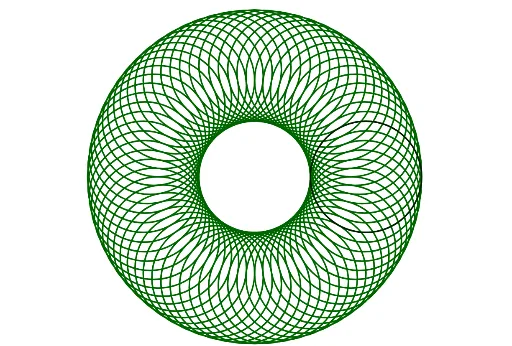
This example demonstrates how to construct a torus using GeoGebra, involving solid geometry, parametric equations, and geometric construction. Key commands used include Circle and Zip, with objects like list1 and l1 created. Suitable for high school and above to understand spatial geometry and parametric equations.
GeoGebra Commands & Parameters
Circle((4, 0), 2) → cZip(Rotate[c, g°], g, list1) → l1
AI Drawing Prompt Reference
Draw a torus by first creating a circle centered at (4,0) with a radius of 2, then rotate this circle around the center to generate a series of circular paths, and finally combine these paths to form a continuous, three-dimensional toroidal shape.
The prompt above was compiled from the original drawing commands and is for reference only.