
The Sine Rule by Mr_Stewart_Maths
Loading the math board and drawing, please wait…
In collections
Trigonometric Rules
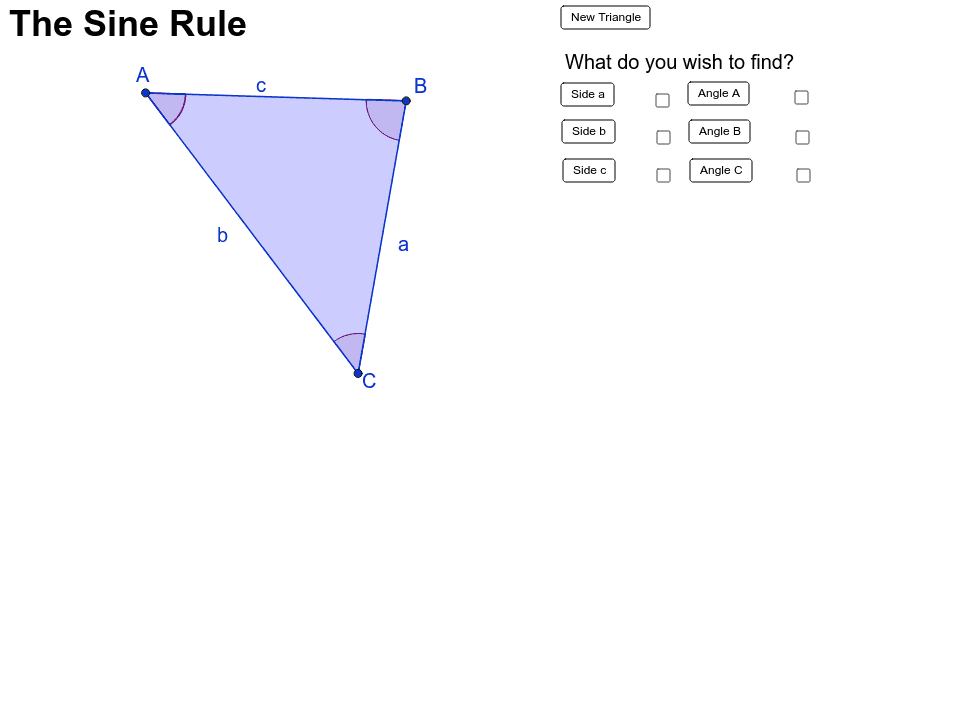
This example demonstrates how to use the Sine Rule to find the sides and angles of a triangle. The core mathematical concept involved is the Sine Rule. Using GeoGebra commands such as Random, Polygon, Segment, Angle, etc., a dynamic triangle is constructed to illustrate the application of the Sine Rule. Suitable for high school mathematics education and learning.
GeoGebra Commands & Parameters
Random(-5, -50) → aRandom(5, 50) → bRandom(5, 50) → cRandom(5, 50) → dRandom(-50, 50) → eRandom(-5, -50) → fPolygon(C, A, B) → poly1, b_1, c_1, a_1Segment(A, B) → mSegment(B, C) → nSegment(C, A) → pAngle(A, B, C) → αAngle(B, C, A) → βAngle(C, A, B) → γAngle(C, A, B) → δAngle(A, B, C) → εAngle(B, C, A) → ζ
AI Drawing Prompt Reference
Draw a triangle ABC with angles A, B, and C as α, β, and γ, and sides a, b, and c. First, randomly generate the three vertices A, B, and C, then connect them to form the triangle. Next, measure the three interior angles of the triangle, and finally, measure the three sides.
The prompt above was compiled from the original drawing commands and is for reference only.