
Area of 2D Shapes by Mr_Stewart_Maths
Loading the math board and drawing, please wait…
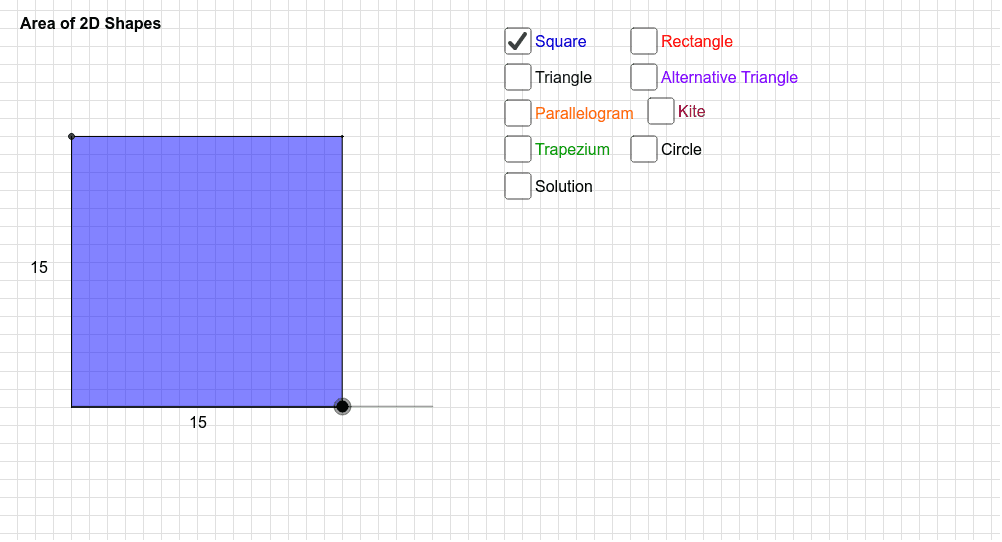
This example demonstrates how to calculate the area of various 2D shapes using GeoGebra, covering core concepts like area formulas, geometric constructions, and coordinate geometry. It utilizes commands such as Polygon, Segment, Intersect, Midpoint, OrthogonalLine, Line, Point, Mirror, and Circle. Suitable for middle school and above students learning area calculations.
GeoGebra Commands & Parameters
Polygon(A, B, C, D) → poly1, a_1, b, c, dSegment(A, B) → eSegment(A, D) → fPolygon(B_1, C_1, A) → poly2, a_2, b_1, c_1Segment(B_1, A) → jSegment(A, C_1) → kPolygon(A, B_2, C_2, D_2) → poly3, a_3, b_2, c_2, d_2Intersect(a_3, d_2) → ESegment(B_2, E) → pSegment(E, D_2) → qPolygon(F, G, H, I) → poly4, f_1, g_1, h_1, i_1Segment(G, H) → rSegment(F, I) → sMidpoint(F, I) → JOrthogonalLine(J, i_1) → tIntersect(t, g_1) → KSegment(J, K) → d_1Polygon(R, S, T) → poly6, t_1, r_1, s_1OrthogonalLine(S, s_1) → q_1Intersect(q_1, s_1) → ULine(R, T) → e_2Intersect(q_1, e_2) → VSegment(V, S) → f_2Segment(S, U) → g_2Line(A_1, D_1) → h_2OrthogonalLine(A_1, h_2) → i_2Point(i_2) → WMirror(W, h_2) → W'Point(h_2) → ZPolygon(W', Z, W, D_1) → poly7, w', z_1, w_1, d_3Segment(W', W) → j_2Segment(D_1, Z) → k_2Circle(E_1, F_1) → p_2Segment(F_1, E_1) → l_2Line(L, M) → e_1Line(N, e_1) → j_1Line(L, N) → k_1Line(M, k_1) → l_1Intersect(j_1, l_1) → OPolygon(L, N, O, M) → poly5, l_3, n_1, o_1, m_1Midpoint(L, N) → POrthogonalLine(P, k_1) → p_1Intersect(l_1, p_1) → QSegment(P, Q) → m_2Segment(M, O) → n_2Segment(R, T) → q_2Point(s_1) → G_1Point(f_2) → H_1
AI Drawing Prompt Reference
Draw a complex geometric pattern composed of multiple polygons to demonstrate area calculations for different 2D shapes. Start by creating a quadrilateral and then construct two new polygons by connecting diagonals and vertices. Inside one of the polygons, draw a line segment and find a line perpendicular to one of its sides at the midpoint. Add a circle and use mirror and rotation operations to create new shapes. Combine all these elements to form a intricate design that showcases various methods for calculating areas.
The prompt above was compiled from the original drawing commands and is for reference only.