
Tetrahedron
Loading the math board and drawing, please wait…
In collections
Regular solids.
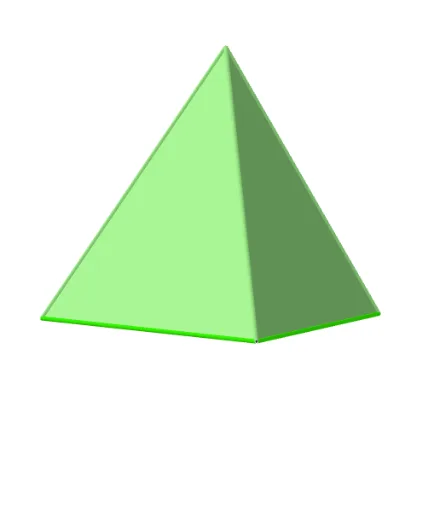
This example demonstrates the construction of a tetrahedron, a polyhedron composed of four triangular faces. Using the Polygon and Tetrahedron commands in GeoGebra, we construct the tetrahedron. By adjusting the positions of the points, you can observe changes in the faces and edges of the tetrahedron. Suitable for middle school and above students to learn solid geometry.
GeoGebra Commands & Parameters
Polygon(A, B, 3) → poly1, f, g, h, CTetrahedron(poly1, true) → a, D, faceACD, faceABD, faceBCD, edgeAD, edgeCD, edgeBD
AI Drawing Prompt Reference
Draw a tetrahedron with four triangular faces. First, construct a triangle using three points, then build the tetrahedron based on this triangle. You can adjust the positions of the triangle's vertices to observe changes in the tetrahedron's faces and edges.
The prompt above was compiled from the original drawing commands and is for reference only.