
Tension Calculator by VTMike
Loading the math board and drawing, please wait…
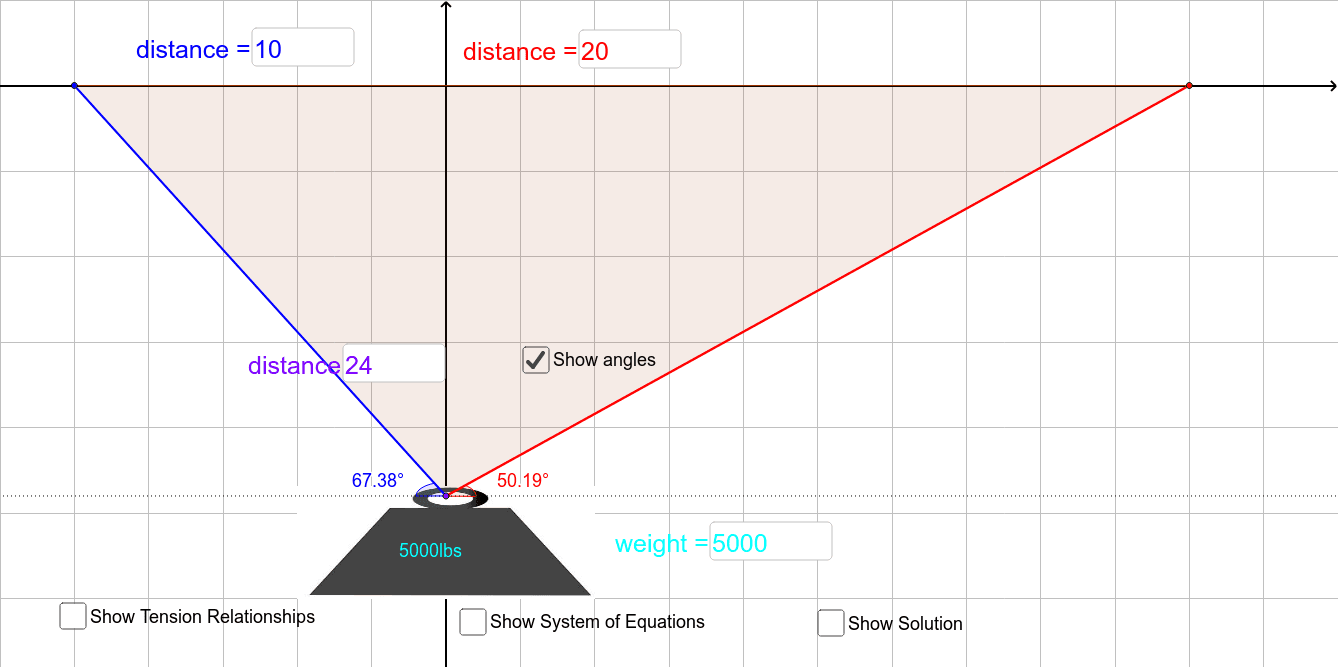
This example demonstrates how to calculate tension by inputting angles and lengths. Core math concepts include vectors and trigonometry. GeoGebra commands used include TextField, Polygon, Point, Angle, etc. Suitable for high school physics and math education.
GeoGebra Commands & Parameters
Textfield(b) → InputBox1Textfield(a) → InputBox2Textfield(c) → InputBox3Polygon(B, C, A) → poly1, a_1, b_1, c_1Textfield(w) → InputBox4Point(d) → FPoint(d) → GAngle(F, C, A) → αAngle(B, C, G) → β
AI Drawing Prompt Reference
Draw a triangle ABC and input the degrees of angles A and B, as well as the lengths of sides a, b, and c. Draw a vector at point C to represent the size of angle A. Draw another vector at point B to represent the size of angle B. Calculate and display the degree of the third angle C based on the input lengths and angles.
The prompt above was compiled from the original drawing commands and is for reference only.