
2D and 3D Coordinate Systems: Vectors and Geometric Construction
Loading the math board and drawing, please wait…
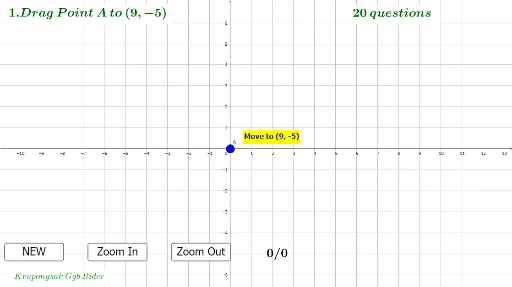
This example demonstrates the construction of parallelograms in 2D and 3D coordinate systems using vectors, the cosine theorem, and geometric mean. GeoGebra commands like Random, If, OrthogonalLine, Intersect, and Segment are utilized to construct orthogonal lines, calculate intersections, and draw segments, making it suitable for high school and introductory university students studying vector operations, coordinate geometry, and geometric constructions.
GeoGebra Commands & Parameters
Random(-8, 7) → b1Random(-10, 9) → a1If(a1 ≟ 0, 10, a1) → aIf(b1 ≟ 0, 8, b1) → bOrthogonalLine(A, yAxis) → fIntersect(f, yAxis) → CSegment(A, C) → gOrthogonalLine(A, xAxis) → hIntersect(h, xAxis) → DSegment(A, D) → iIf(A ≟ B, "Correct !", "Incorrect ! It's " + A) → text2
AI Drawing Prompt Reference
Draw a parallelogram in a 2D coordinate system using vectors. Start by randomly selecting a point A on the x-axis and y-axis, then construct two perpendicular lines from point A, intersecting the x-axis at point C and the y-axis at point D, forming segments AC and AD. Use vectors and geometric mean to construct the other two vertices of the parallelogram, generate vector lengths with random numbers, and construct the sides of the parallelogram using vector addition and subtraction. Finally, use intersections and vectors to construct the opposite sides of the parallelogram.
The prompt above was compiled from the original drawing commands and is for reference only.