
Tangent Line to a Curve
Loading the math board and drawing, please wait…
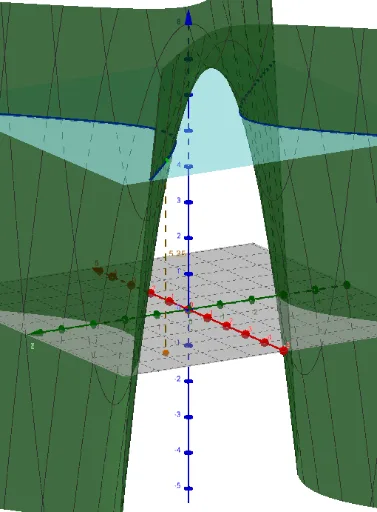
This example demonstrates how to draw tangent lines to a curve. It involves core mathematical concepts such as derivatives, coordinate geometry, and geometric construction. Construction highlights include using GeoGebra commands like Derivative (for finding derivatives), IntersectPath (for intersecting paths), Line (for drawing lines), Textfield (for text input), and Segment (for segments), along with objects like P (point), f (function), a (parameter), A (point), f_x (derivative x), f_y (derivative y), d (point), e (point), c (point), pt (point), u (point), g (object), CampEntradaSortida1 (input/output 1), CampEntradaSortida2 (input/output 2), h (object), and text1 (text). Suitable for high school students learning calculus and coordinate geometry.
GeoGebra Commands & Parameters
Derivative(f, x) → f_xDerivative(f, y) → f_yIntersectPath(e, f) → cLine(A, u) → gTextfield(f) → CampEntradaSortida1Segment(A, P) → hTextfield(P) → CampEntradaSortida2
AI Drawing Prompt Reference
Draw a curve with its tangent line to illustrate how to construct tangent lines using derivatives and coordinate geometry. First, plot the function curve, then calculate its derivative to get the slope of the tangent line. Next, select a point on the curve and draw a tangent line through this point. Label the function expression and the coordinates of the tangent point, and display this information in text fields.
The prompt above was compiled from the original drawing commands and is for reference only.