
Systems of Equations in GeoGebra
Loading the math board and drawing, please wait…
In collections
A Plethora of Practice Problems
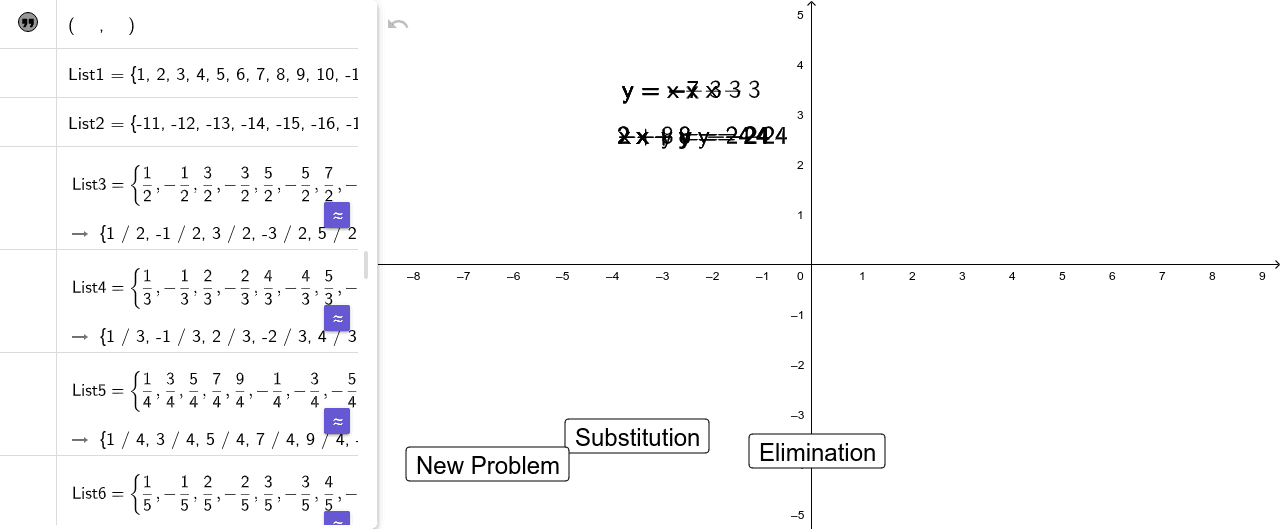
This example demonstrates how to plot the solution set of linear equations using GeoGebra. Key mathematical concepts include linear systems, solution sets, coordinate geometry, and geometric construction. Construction involves using commands like RandomElement, If, and RandomDiscrete to generate random points, along with Textfield and FractionText for labeling coordinates. Suitable for middle or high school mathematics education to understand the geometric meaning of system solutions.
GeoGebra Commands & Parameters
RandomElement(List1) → D_{s2}If(B_{s2} / D_{s2} ≟ A_{s2}, (-D_{s2}), D_{s2}) → D_{s}RandomElement(List1) → C_{s1}RandomElement(List1) → B_{s1}RandomElement(List1) → A_{s1}If(A_{s1} / C_{s1} ≟ B_{s1}, (-C_{s1}), C_{s1}) → C_{s}RandomDiscrete({1, 2, 3, 4, 5, 6, 7}, {10, 2, 4, 3, 2, 2, 2}) → aRandomDiscrete({1, 2, 3, 4, 5, 6, 7}, {10, 2, 4, 3, 2, 2, 2}) → b_{1}If(b_{1} ≟ 7 ∧ a ≟ 7, 1, b_{1}) → bIf(a ≟ 1, RandomElement[List1], a ≟ 6, RandomElement[List6], RandomElement[List7], a ≟ 2, RandomElement[List2], a ≟ 3, RandomElement[List3], a ≟ 4, RandomElement[List4], a ≟ 5, RandomElement[List5]) → m_{e}If(b ≟ 1, RandomElement[List1], b ≟ 6, RandomElement[List6], RandomElement[List7], b ≟ 2, RandomElement[List2], b ≟ 3, RandomElement[List3], b ≟ 4, RandomElement[List4], b ≟ 5, RandomElement[List5]) → n_{e}If(a ≟ 1, RandomElement[List1a], a ≟ 6, RandomElement[List6a], RandomElement[List7a], a ≟ 2, RandomElement[List2a], a ≟ 3, RandomElement[List3a], a ≟ 4, RandomElement[List4a], a ≟ 5, RandomElement[List5a]) → A_{e}If(a ≟ 1, RandomElement[List1a], a ≟ 6, RandomElement[List6a], RandomElement[List7a], a ≟ 2, RandomElement[List2a], a ≟ 3, RandomElement[List3a], a ≟ 4, RandomElement[List4a], a ≟ 5, RandomElement[List5a]) → C_{e}If(b ≟ 1, RandomElement[List1a], b ≟ 6, RandomElement[List6a], RandomElement[List7a], b ≟ 2, RandomElement[List2a], b ≟ 3, RandomElement[List3a], b ≟ 4, RandomElement[List4a], b ≟ 5, RandomElement[List5a]) → B_{e}If(b ≟ 1, RandomElement[List1a], b ≟ 6, RandomElement[List6a], RandomElement[List7a], b ≟ 2, RandomElement[List2a], b ≟ 3, RandomElement[List3a], b ≟ 4, RandomElement[List4a], b ≟ 5, RandomElement[List5a]) → D_{1}If(A_{e} / C_{e} ≟ B_{e} / D_{1}, (-D_{1}), D_{1}) → D_{e}RandomDiscrete({1, -1, 2, -2, 3, -3, 4, -4, 5, -5, 6, -6, 7, -7, 8, -8, 9, -9, 10, -10, 0}, {8, 8, 8, 8, 8, 8, 8, 8, 8, 8, 4, 4, 4, 4, 4, 4, 4, 4, 4, 4, 6}) → m_{s}RandomDiscrete({1, -1, 2, -2, 3, -3, 4, -4, 5, -5, 6, -6, 7, -7, 8, -8, 9, -9, 10, -10, 0}, {8, 8, 8, 8, 8, 8, 8, 8, 8, 8, 4, 4, 4, 4, 4, 4, 4, 4, 4, 4, 6}) → n_{s}RandomElement({2, 3, 4, 5, 6, -2, -3, -4, -5, -6}) → howmuchbiggerIf(Choice ≟ 1, ((-C_{s}) * howmuchbigger), Choice ≟ 2, (C_{s} * howmuchbigger), Choice ≟ 3, howmuchbigger, Choice ≟ 4, howmuchbigger, Choice ≟ 5, (A_{e} * howmuchbigger)) → A_{big}If(Choice ≟ 1, howmuchbigger, Choice ≟ 2, howmuchbigger, Choice ≟ 3, ((-D_{s}) * howmuchbigger), Choice ≟ 4, (D_{s} * howmuchbigger), Choice ≟ 5, (B_{e} * howmuchbigger)) → B_{big}If(Choice ≟ 1, (D_{s1} * howmuchbigger) + RandomElement[List1], Choice ≟ 2, (D_{s1} * howmuchbigger) + RandomElement[List1], Choice ≟ 3, (C_{s2} * howmuchbigger) + RandomElement[List1], Choice ≟ 4, (C_{s2} * howmuchbigger) + RandomElement[List1], Choice ≟ 5, (R_{e} * howmuchbigger) + RandomElement[List1]) → nosolutionIf(Choice ≟ 1, (D_{s1} * howmuchbigger), Choice ≟ 2, (D_{s1} * howmuchbigger), Choice ≟ 3, (C_{s2} * howmuchbigger), Choice ≟ 4, (C_{s2} * howmuchbigger), Choice ≟ 5, (R_{e} * howmuchbigger)) → infsolutionsIf(Choice ≟ 1, m_{s}, Choice ≟ 2, m_{s}, Choice ≟ 3, m_{s}, Choice ≟ 4, m_{s}, Choice ≟ 5, m_{e}) → x_{ans1}If(Choice ≟ 1, n_{s}, Choice ≟ 2, n_{s}, Choice ≟ 3, n_{s}, Choice ≟ 4, n_{s}, Choice ≟ 5, n_{e}) → y_{ans1}If(answercode ≟ 1, x_{ans1}, answercode ≟ 2, -1000, answercode ≟ 3, 1000) → x_{ans}If(answercode ≟ 1, y_{ans1}, answercode ≟ 2, -1000, answercode ≟ 3, 1000) → y_{ans}Textfield(x_{guess}) → InputBox1Textfield(y_{guess}) → InputBox2FractionText((x_{ans}, y_{ans})) → fractext
AI Drawing Prompt Reference
Create an interactive graph on the coordinate plane for learning to solve systems of two linear equations. Include two straight lines representing the two equations, showing three possible relationships: a single intersection point (unique solution), parallel lines with no intersection (no solution), or coincident lines (infinitely many solutions). Add two input boxes below or beside the graph for guessing the x and y coordinates of the solution. Display the answer as fractions on the graph. Include several random reference points with clear coordinates that illustrate the equation coefficients. The design should be clean and suitable for middle or high school mathematics education.
The prompt above was compiled from the original drawing commands and is for reference only.