
Systems of Equations Demo
Loading the math board and drawing, please wait…
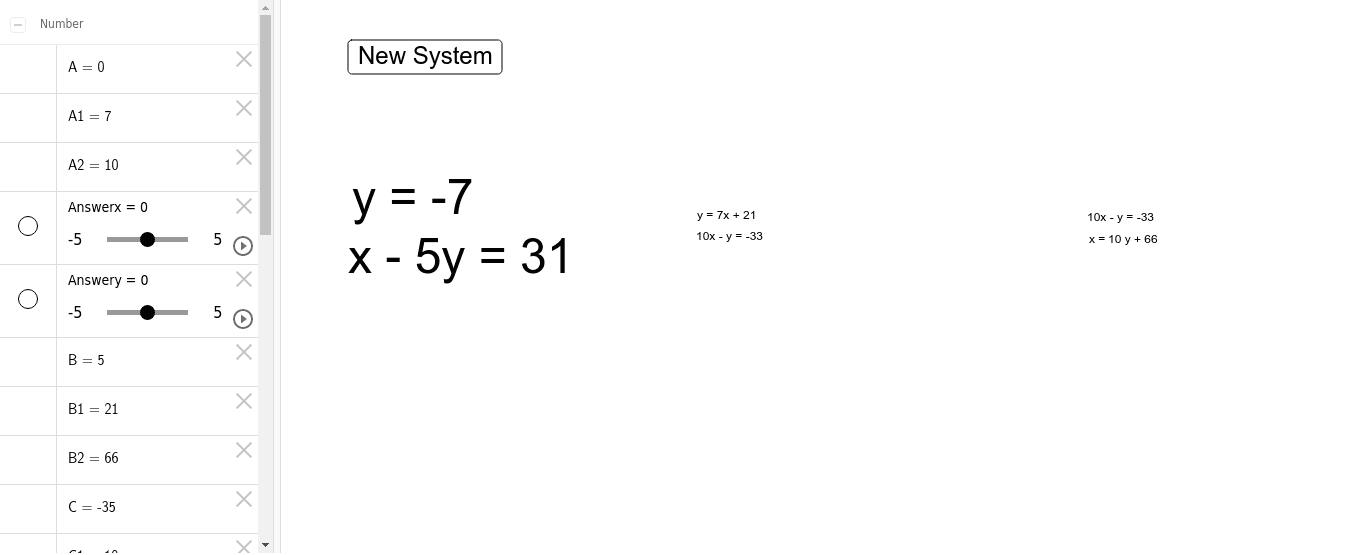
This example demonstrates how to construct and visualize the solution sets of systems of linear equations using GeoGebra, particularly involving parabolas, symmetry, incircles, and rotations. Key mathematical concepts include equation solving, coordinate geometry, symmetry analysis, and geometric transformations. The construction utilizes commands like Random, RandomElement, and Text, along with objects such as buttons, text, and variables (e.g., x_0, y_0, A, B) to dynamically generate and display the equations and their solutions. Suitable for high school mathematics education, helping students understand the connection between equations and geometric shapes, as well as dynamic changes.
GeoGebra Commands & Parameters
Random(-12, 12) → x_0Random(-12, 12) → y_0Random(-10, 10) → ARandomElement({-10, -9, -8, -7, -6, -5, -4, -3, -2, -1, 1, 2, 3, 4, 5, 6, 7, 8, 9, 10}) → BRandom(-10, 10) → ERandomElement({-10, -9, -8, -7, -6, -5, -4, -3, -2, -1, 1, 2, 3, 4, 5, 6, 7, 8, 9, 10}) → DText((A * x) + (B * y) = C) → Eq1Text((D * x) + (E * y) = F) → Eq2RandomElement({-10, -9, -8, -7, -6, -5, -4, -3, -2, -1, 1, 2, 3, 4, 5, 6, 7, 8, 9, 10}) → A1RandomElement({-10, -9, -8, -7, -6, -5, -4, -3, -2, -1, 1, 2, 3, 4, 5, 6, 7, 8, 9, 10}) → C1RandomElement({-10, -9, -8, -7, -6, -5, -4, -3, -2, -1, 1, 2, 3, 4, 5, 6, 7, 8, 9, 10}) → D1Text(y = (A1 * x) + B1) → Eq3Text((C1 * x) + (D1 * y) = E1) → Eq4RandomElement({-10, -9, -8, -7, -6, -5, -4, -3, -2, -1, 1, 2, 3, 4, 5, 6, 7, 8, 9, 10}) → A2Text((C1 * x) + (D1 * y) = E1) → Eq53Text((A2 * y) + B2) → Eq52