
Symmetry Lines Demonstration by Tiffany Alonso
Loading the math board and drawing, please wait…
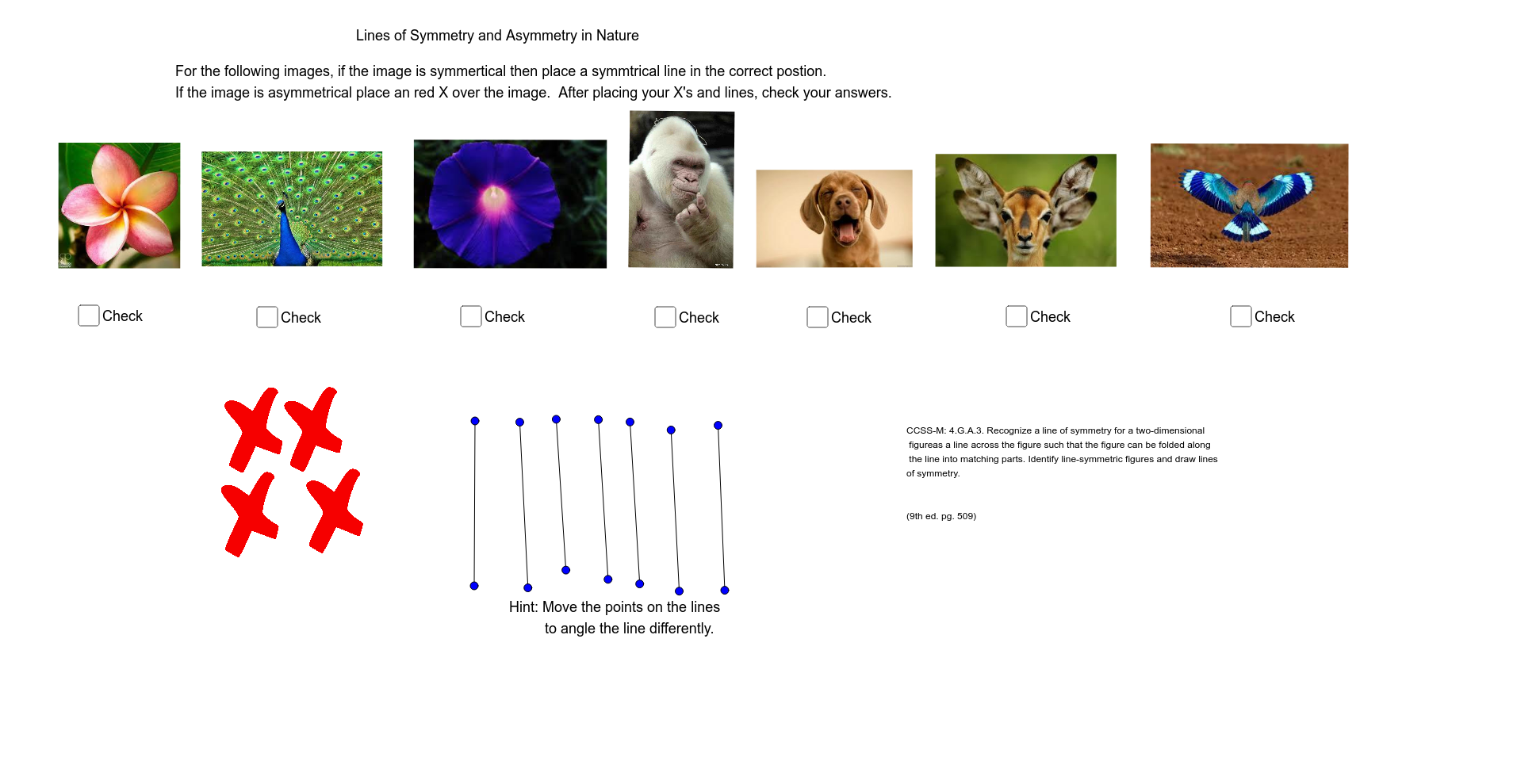
This example dynamically demonstrates the lines of symmetry in various geometric figures using GeoGebra. It involves core math concepts like symmetry, similar triangles, logic, and inequalities. Construction highlights include using Segment commands to draw lines and shapes, with objects like text1, A, B, pic1, E, F, pic3, I, J, pic5, K, L, pic6, M, N, pic4, O, P, pic7, G, H, pic8, text2, C, D, a, Q, R, b, S, T, c, U, V, d, W, Z, e, A_1, B_1. Suitable for middle school and above students to explore geometric transformations and symmetry.
GeoGebra Commands & Parameters
Segment(C, D) → aSegment(Q, R) → bSegment(S, T) → cSegment(U, V) → dSegment(W, Z) → eSegment(A_1, B_1) → fSegment(C_1, D_1) → gSegment(M_1, N_1) → hSegment(O_1, P_1) → iSegment(Q_1, R_1) → jSegment(S_1, T_1) → k
AI Drawing Prompt Reference
Draw a geometric figure with multiple lines of symmetry. Start by drawing quadrilateral ABCD, then draw its diagonals AC and BD. Next, mark the midpoints E and F of the diagonals, and connect EF. Finally, draw the lines of symmetry, including the line through E and F, and the lines through the vertices of the quadrilateral.
The prompt above was compiled from the original drawing commands and is for reference only.