
Symmetry and Transformation Frame
Loading the math board and drawing, please wait…
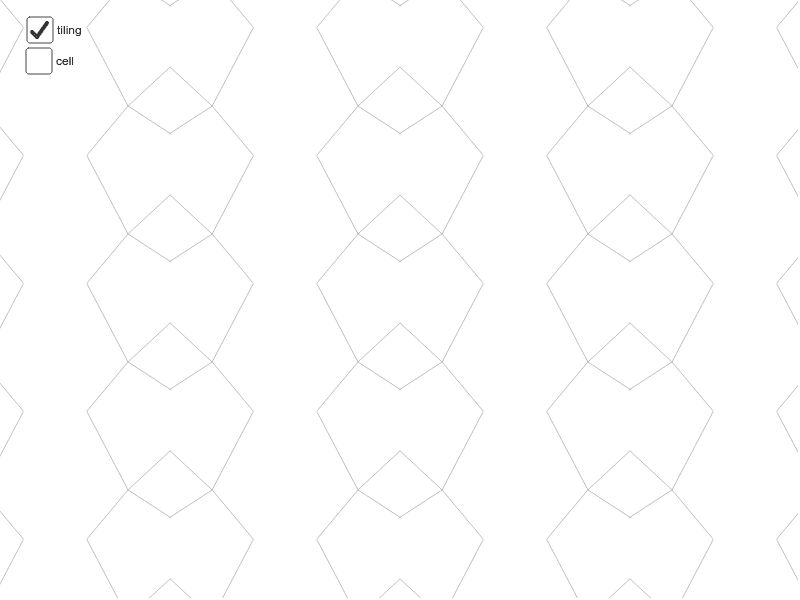
This example dynamically demonstrates symmetry frames and geometric transformations, visually showcasing symmetry properties and transformation patterns of figures. It involves core math concepts like symmetry, area calculation, integer application, sequences and series, trapezoid characteristics, and interest calculation. Construction highlights use of GeoGebra commands/objects such as Point, Midpoint, Vector, Segment, Mirror, Sequence, and Line. Suitable for high school mathematics teaching, focusing on geometric transformations and sequences integration.
GeoGebra Commands & Parameters
Point(xAxis) → BMidpoint(A, B) → EMidpoint(B, D) → FMidpoint(D, C) → GMidpoint(C, A) → HMidpoint(C, B) → IVector(A, B) → uVector(A, C) → vVector(C, D) → wVector(B, D) → aSegment(H, F) → bSegment(E, G) → cSegment(J, K) → eSegment(K, L) → fSegment(K, M) → gSegment(K, N) → hMirror(cell1, c) → cell2Sequence(Translate[Sequence[Translate[tile, Vector[(n * u)]], n, -3, 3], Vector[(m * v)]], m, -3, 3) → tilingLine(C, A) → kLine(G, E) → lLine(D, B) → m
AI Drawing Prompt Reference
Draw a symmetry and transformation frame to visually demonstrate the symmetry properties and transformation patterns of figures. Start by creating two line segments, then find their endpoints and midpoints, connecting the midpoints to form new segments. Next, mirror the shape over one of the segments, and perform additional reflections over other segments to create a sequence of identical figures. Finally, translate these figures along specific vectors to showcase the transformation effects.
The prompt above was compiled from the original drawing commands and is for reference only.