
Surface of Revolution by Gary Rubinstein
Loading the math board and drawing, please wait…
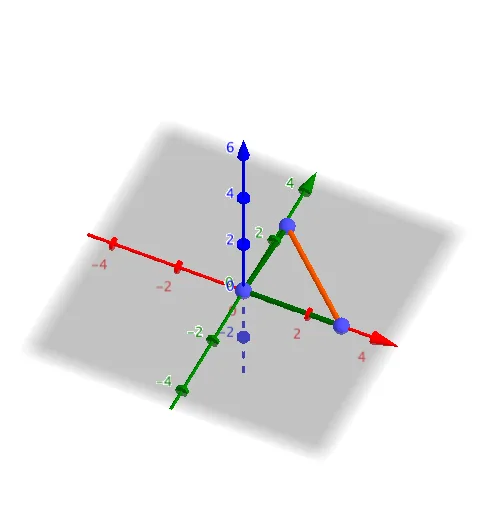
This example demonstrates how to generate a 3D surface of revolution by rotating a 2D curve. Key math concepts include rotation, surface generation, and integral applications in calculus. Construction involves commands like Segment, Slope, If, and Surface in GeoGebra. Suitable for high school and above mathematics education, explaining the concept of rotational surfaces and their applications in physics and engineering.
GeoGebra Commands & Parameters
Segment(C, B) → jSlope(j) → mSegment(A, C) → gSlope(g) → cIf(b, xAxis, yAxis) → rSurface(f, α, r) → aSegment(A, B) → iSlope(i) → c_1Surface(h, α, r) → dSurface(f_2, α, r) → e
AI Drawing Prompt Reference
Create a 3D surface of revolution from a 2D curve. First, draw line segments AB and BC, calculate their slopes to get c and c_1, then use a conditional statement to create axis r. With r as the rotation axis, generate surfaces a and d using functions f and f_2. Finally, draw line segments BC and AC, calculate their slopes to get m and c, and generate surface e with axis r as the rotation axis.
The prompt above was compiled from the original drawing commands and is for reference only.