
Surface Area Calculation Demo by Valerie Granger
Loading the math board and drawing, please wait…
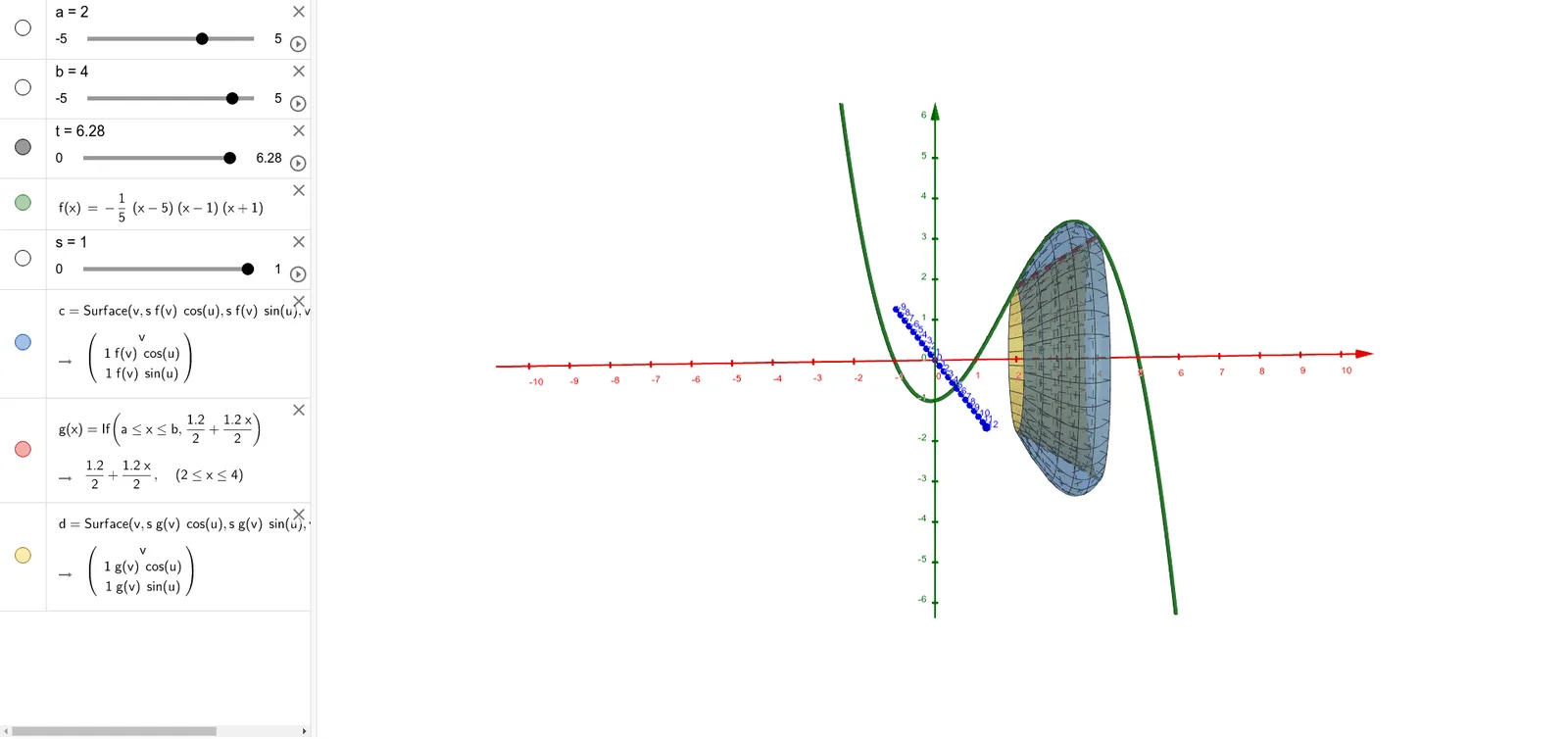
This example demonstrates how to construct and calculate the surface area of three-dimensional shapes (e.g., pyramids) using GeoGebra. It involves core mathematical concepts such as area calculation, trigonometric applications, and solid geometry. Key construction points include commands/objects like Surface, a, b, t, f, s, c, g, d from the GeoGebra summary. Suitable for high school students learning solid geometry and surface area calculations.
GeoGebra Commands & Parameters
Surface(v, ((s * f(v)) * cos(u)), ((s * f(v)) * sin(u)), v, a, b, u, 0, t) → cSurface(v, ((s * g(v)) * cos(u)), ((s * g(v)) * sin(u)), v, a, b, u, 0, t) → d
AI Drawing Prompt Reference
Demonstrate the construction and calculation of the surface area of three-dimensional shapes like pyramids, involving core mathematical concepts such as area calculation, trigonometric applications, and solid geometry. First, draw a three-dimensional surface defined by parameters s and f(v), then draw another surface using parameters s and g(v), showcasing the construction process of solid geometry with two surfaces together.
The prompt above was compiled from the original drawing commands and is for reference only.