
Straight Line y=ax+b
Loading the math board and drawing, please wait…
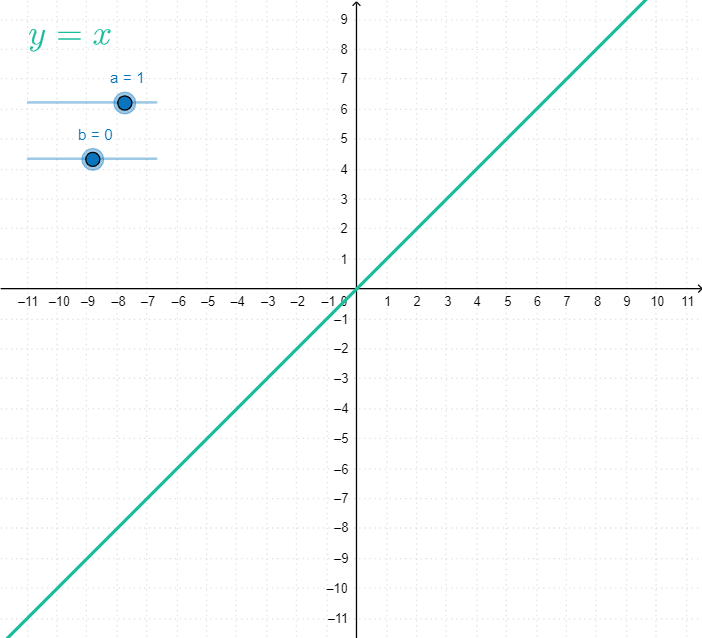
This example demonstrates the graph of a straight line, involving the core mathematical concept of linear functions. Users can dynamically adjust the slope a and y-intercept b using GeoGebra commands to observe changes in the line. Suitable for middle school and above students to learn about the graph and properties of linear functions.
GeoGebra Commands & Parameters
Function((a * x) + b, -20, 20) → fLaTeX(f, true) → text1
AI Drawing Prompt Reference
Create the graph of a linear function on a Cartesian coordinate plane. Plot a straight line defined by y = a x + b, showing the curve across the x-range from -20 to 20. Treat a as the slope parameter and b as the y-intercept, and include a formatted text label displaying the function as y = a x + b. Present the line and its equation together so that users can see how changing a and b shifts the line.
The prompt above was compiled from the original drawing commands and is for reference only.