
Standard Deviation Introduction
Loading the math board and drawing, please wait…
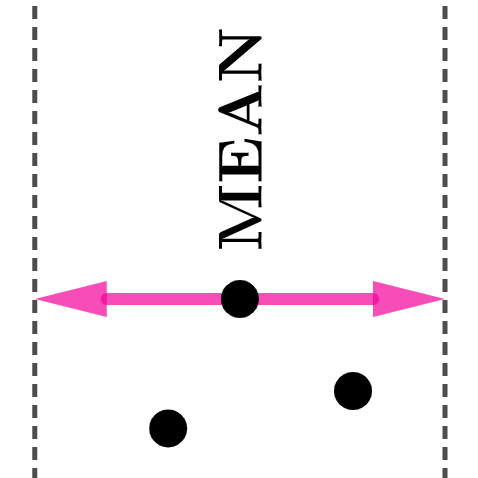
This example demonstrates how to dynamically visualize the calculation and geometric meaning of standard deviation using GeoGebra. Core math concepts include variance, mean, standard deviation, data distribution, and statistical charts. Key construction elements involve commands like Variance, mean, Point, Circle, Intersect, Vector, RotateText, stdev, stdevp, along with objects such as points, circles, and vectors to visualize data dispersion. Suitable for high school mathematics and introductory statistics, this tool helps students intuitively understand the application of standard deviation in data analysis.
GeoGebra Commands & Parameters
Variance(l1) → amean(l1) → cPoint(eq1) → PCircle(P, b) → dIntersect(d, f, 1) → QIntersect(d, f, 2) → RVector(P, R) → uVector(P, Q) → vRotateText(text1, π / 2) → text2stdev(l1) → estdevp(l1) → g
AI Drawing Prompt Reference
Draw a set of data points and calculate and display their variance, mean, standard deviation, and population standard deviation. First, calculate the variance and mean, then draw a circle with the mean as the center, find the intersection points of the lines connecting the data points to the circle, construct vectors to represent the deviation of data points from the mean. Finally, calculate the standard deviation and population standard deviation, and rotate the text to show the results.
The prompt above was compiled from the original drawing commands and is for reference only.