
Square Construction by Debra Schneider
Loading the math board and drawing, please wait…
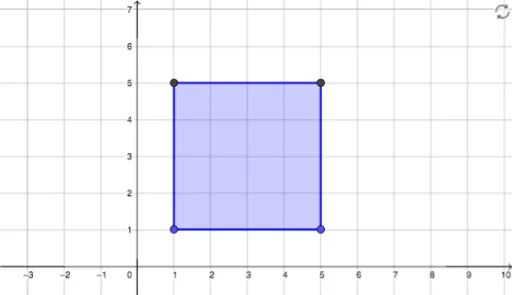
This example demonstrates how to construct a square using GeoGebra, involving core concepts like polygon construction and coordinate geometry. Key GeoGebra commands used include Polygon for objects A, B, poly1, along with f, g, h, i, C, D for auxiliary purposes. Suitable for middle school students and above learning polygon and analytical geometry.
GeoGebra Commands & Parameters
Polygon(A, B, 4) → poly1, f, g, h, i, C, D
AI Drawing Prompt Reference
Draw a square by first placing two adjacent vertices, then construct the remaining two vertices in clockwise order so that all four sides are equal and adjacent sides are perpendicular. Connect the four vertices to form a closed square outline, and label all vertices. The figure should clearly show the square's geometric properties, including right angles and equal sides, suitable for geometry teaching.
The prompt above was compiled from the original drawing commands and is for reference only.