
Square Area Calculation
Loading the math board and drawing, please wait…
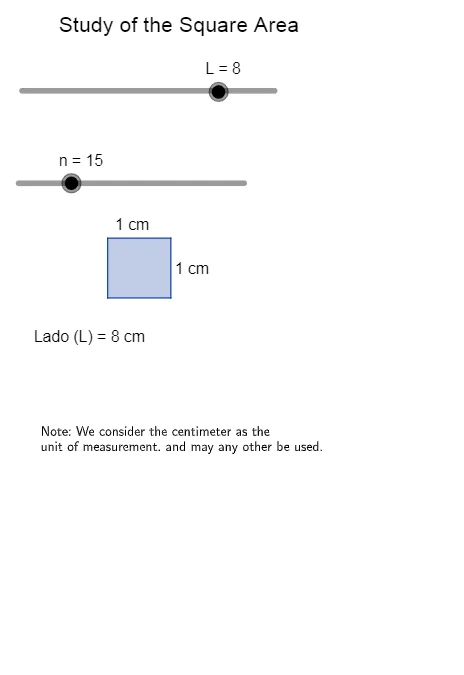
This example demonstrates the calculation of the area of a square. Key mathematical concepts include geometric area calculation and coordinate geometry. Using GeoGebra commands such as Polygon, Point, Sequence, etc., it dynamically shows the change in the area of a square. Suitable for middle school and above students to learn geometry and area calculation.
GeoGebra Commands & Parameters
Polygon(A_1, B_1, C, D) → pol1, a, b, c, dPoint(a) → EPoint(d) → GPolygon(H_1, I, J, K) → pol3, h_1, i, j, kMidpoint(c) → L_1Midpoint(b) → MJoin(Sequence[Sequence[(i, j), i, 0, L - 1], j, 0, L - 1]) → L1Sequence(Polygon[Element[L1, i], (x(Element[L1, i] + 1), y(Element[L1, i])), 4], i, 1, n) → L2