
Square Area and Perimeter Calculator
Loading the math board and drawing, please wait…
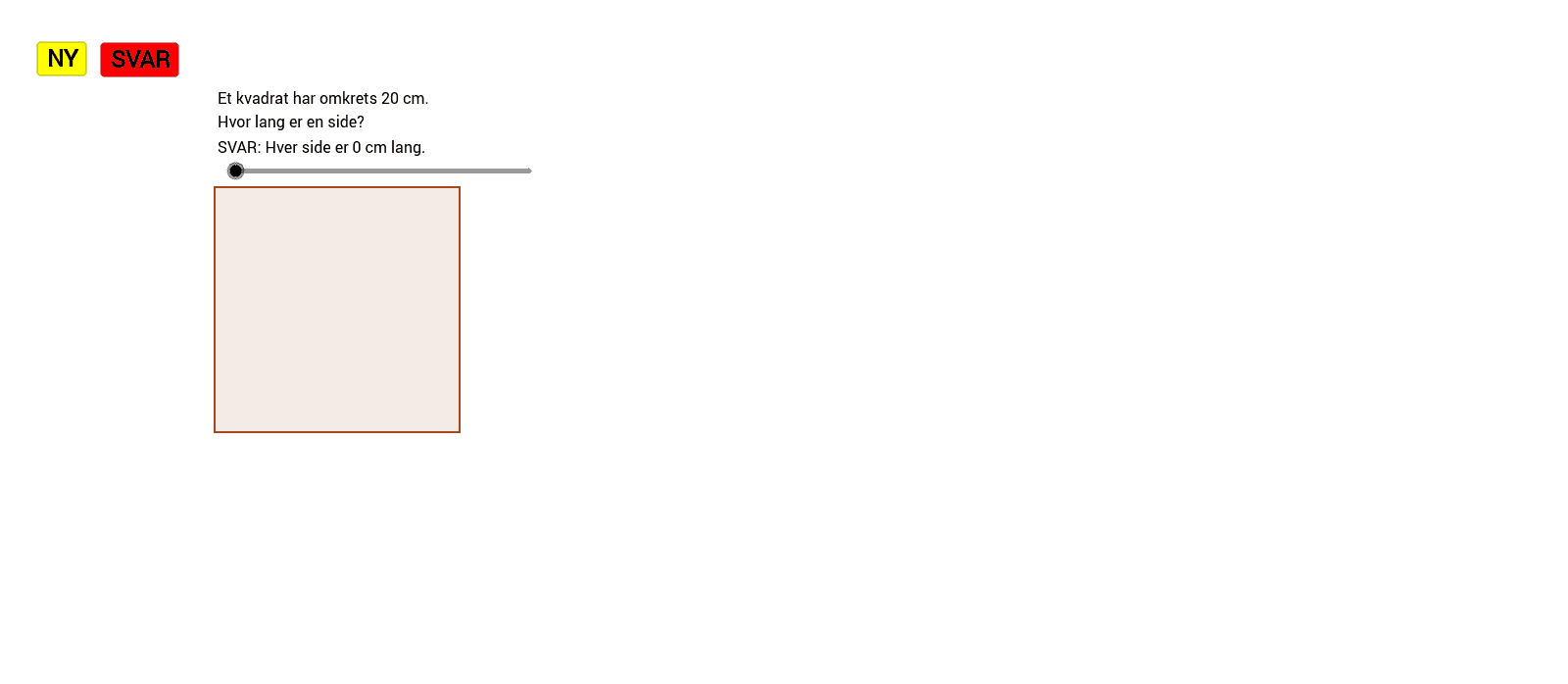
① This example demonstrates an interactive tool where users can input any one of the side length, area, or perimeter of a square, and the other two quantities are automatically calculated and displayed, along with a dynamically drawn square. ② The core mathematical concepts are the formulas for the area of a square (Area = side²) and perimeter (Perimeter = 4 × side), as well as the inverse relationships among these three measures. ③ Construction highlights: using GeoGebra commands such as Intersect to create intersection points, Polygon to construct the square polygon (Mangekant1), and multiple text objects (tekst1 to tekst19) along with buttons (knapp1, knapp2, knapp3) to enable interactive input and result display. Variables include side length a, area f, and perimeter g. ④ This resource is suitable for upper elementary to middle school students learning basic geometry, formula manipulation, and algebraic reasoning. It can also serve as a classroom demonstration tool or for self-study, allowing learners to observe how changing the side length affects area and perimeter, thereby reinforcing conceptual understanding.
GeoGebra Commands & Parameters
Intersect(xAxis, yAxis) → APolygon(A, B, 4) → Mangekant1, b, c, d, e, C, D
AI Drawing Prompt Reference
Draw a square with one vertex at the origin, with sides along the horizontal and vertical axes. Display labels for side length, area, and perimeter. Add three input buttons allowing the user to enter any one of these three values. When one value is entered, the other two are automatically calculated and updated, and the square resizes accordingly. Include coordinate axes and grid lines for reference.
The prompt above was compiled from the original drawing commands and is for reference only.