
Parallelogram Area and Square Coverage
Loading the math board and drawing, please wait…
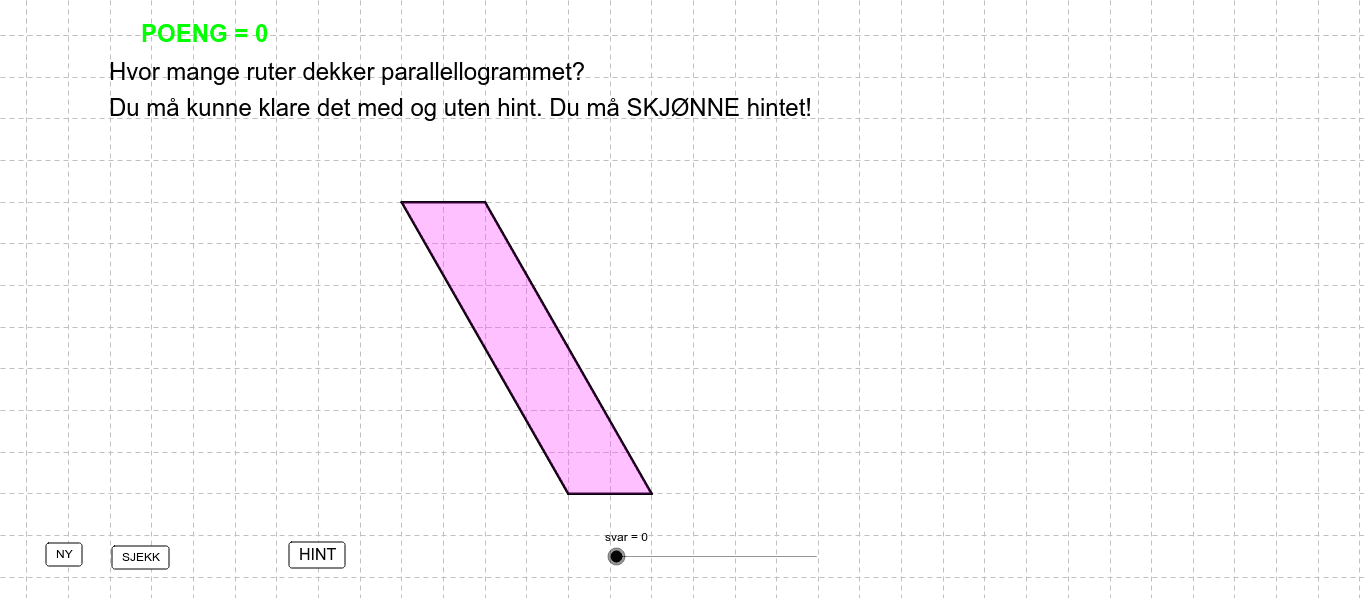
This example shows how to determine the area of a parallelogram by counting the unit squares it covers. The core mathematics involve the area formula for a parallelogram (base × height), the relationship between base and height, and the arrangement of unit squares. The GeoGebra construction uses the commands Segment, Intersect, OrthogonalLine, and Polygon to create the base (grunn), height (høyde), and vertex objects (A, B, C, D, etc.). It is suitable for middle‑school and high‑school geometry lessons, providing a hands‑on activity for exploring area concepts.
GeoGebra Commands & Parameters
Segment(E, B) → dIntersect(xAxis, yAxis) → ASegment(D, A) → bSegment(B, A) → aOrthogonalLine(B, a) → gIntersect(g, b) → JOrthogonalLine(J, g) → kIntersect(k, d) → LSegment(D, E) → cSegment(B, A) → eSegment(A, C) → fIntersect(g, c) → FPolygon(B, A, D, F) → Mangekant1, b_1, a_1, d_1, f_1Polygon(B, A, J) → Mangekant3, j, b_2, a_2Polygon(G, K, M) → Mangekant4, m, g_2, k_1OrthogonalLine(L, k) → lIntersect(c, l) → OPolygon(M, P, N, K) → Mangekant5, m_1, p, n, k_2Polygon(Q, R, H) → Mangekant6, h_1, q, rPolygon(G, I, S) → Mangekant7, s, g_3, i_1Polygon(B, A, D, E) → Mangekant2, b_3, a_3, d_2, e_1
AI Drawing Prompt Reference
Draw a parallelogram to demonstrate its area by counting unit squares. Include base, height, and vertices. Construct by drawing base and height, then using perpendicular lines to find vertices. This activity helps understand area concepts in geometry.
The prompt above was compiled from the original drawing commands and is for reference only.