
Spherical Coordinates: Dynamic Illustration
Loading the math board and drawing, please wait…
In collections
GeoGebra 3D & AR: PreCalc & Calculus Resources
Plotting Points
Multivariable Calculus
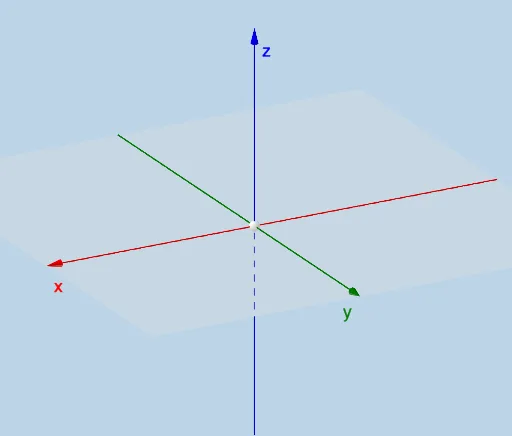
This example demonstrates dynamic transformations in spherical coordinates. Key mathematical concepts include spherical coordinates, transformations, and dynamic geometry. Using commands like Dilate, Segment, and Rotate, the example allows for interactive adjustments of points and shapes in spherical coordinates. Suitable for high school and above students studying solid and dynamic geometry.
GeoGebra Commands & Parameters
Dilate(A, If[0 < e ≤ 1, 1 - e, 0], B) → A'Segment(A, A') → fRotate(B, If[2 < e ≤ 3, ((e - 2) * b), b], A) → B'Segment(A, B') → gCircleSector(A, B, B') → hRotate(A, If[1 < e ≤ 2, ((e - 1) * π / 2), π / 2], A, Line[(0, 0, 0), (0, 1, 0)]) → A'_2Rotate(A', If[1 < e ≤ 2, ((-(e - 1)) * π / 2), ((-π)) / 2], A, Line[(0, 0, 0), (0, 1, 0)]) → A''Segment(A'_2, A'') → f'Rotate(A'', If[3 < e ≤ 4, ((-(e - 3)) * π), (-π)], A, Plane[A'', A, B']) → A'''_1CircleArc(A, A'', A'''_1) → kCircleArc(A, (0, 0, a), (0, 0, (-a)), Plane[A, B', (0, 0, (-a))]) → pRotate(A'', If[4 < e ≤ 5, ((-(e - 4)) * c), (-c)], A, Plane[A'', A, B']) → A'''CircleArc(A, A''', A'''_1) → rCircleSector(A, A''', A'') → qPlane((0, 0, 0), (1, 0, 0), (0, 1, 0)) → iTextfield(a) → InputBox1Textfield(b) → InputBox2Textfield(c) → InputBox3
AI Drawing Prompt Reference
Create a dynamic illustration of transformations in spherical coordinates, showing a point moving along a spherical trajectory, with multiple auxiliary lines and sector regions generated through dilation, rotation, and translation, demonstrating the dynamic changes of points in spherical coordinates, ultimately forming a polygonal structure with arcs and sectors that highlights the effects of spatial geometric transformations.
The prompt above was compiled from the original drawing commands and is for reference only.