
Sphere & Cylinder Volume Calculation
Loading the math board and drawing, please wait…
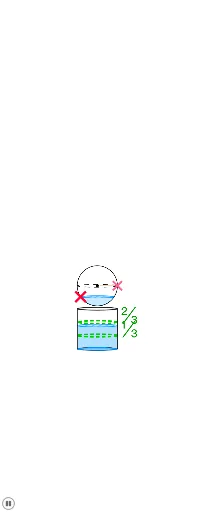
This example demonstrates the calculation and visualization of volumes for a sphere and a cylinder. It involves core mathematical concepts such as volume formulas, geometric properties of circles and cylinders, and analytical geometry. Construction highlights include using GeoGebra commands like Point, Segment, Circle, Intersect, CircleArc, Polygon, Sequence, Text, and Ray to draw and compute volumes. Suitable for high school geometry and calculus education, helping students understand volume formulas and geometric relationships.
GeoGebra Commands & Parameters
Point(yAxis) → ASegment((x(A) + 1, y(A)), B) → fPoint(f) → CCircle(A, C) → cIntersect(c, yAxis) → I, JCircleArc(A, J, I) → pPoint(p) → HSegment(E, D) → hSegment(F, G) → iPolygon(G, D, K, L) → poly1, g_1, d_1, k_1, lSequence(((-sqrt(x(C)^(2) - (dy - y(A))^(2))), dy), dy, y(H), y(I), -0.1) → liste1Sequence((sqrt(x(C)^(2) - (dy - y(A))^(2)), dy), dy, y(I), y(H), 0.1) → liste2Polygon(Join[{liste2, {M}, {H}, liste1}]) → poly3Text("⅓") → texte2Ray(R, R') → jRay(Q, Q') → m