
Special Points of Triangles
Loading the math board and drawing, please wait…
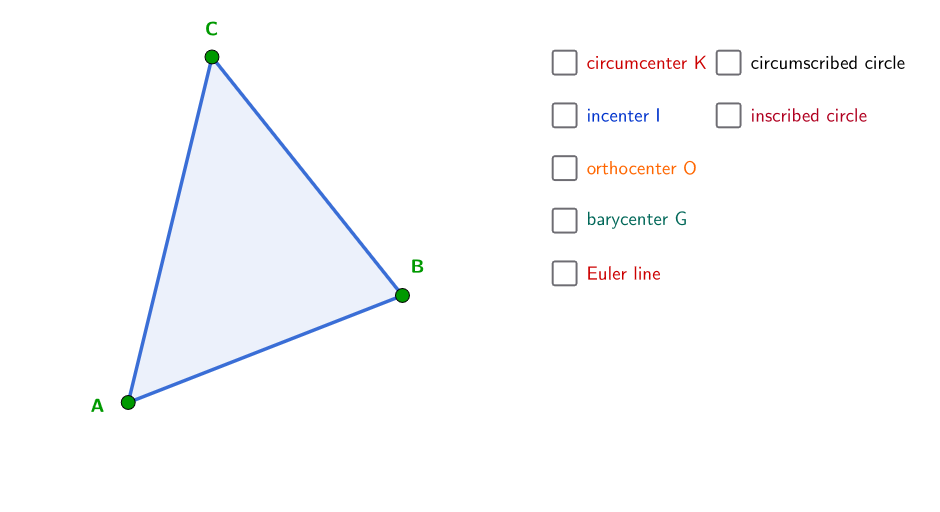
This example demonstrates the dynamic construction of special points in triangles, including the orthocenter and Euler's line. It involves core concepts like angle bisectors, perpendicular bisectors, and intersections. The construction uses commands such as Polygon, LineBisector, Intersect, and Circle. Ideal for high school and above to explore the relationships between these points and Euler's line.
GeoGebra Commands & Parameters
Polygon(H, J, L, Q) → peep, h_2, j_2, l_1, q_1PointIn(peep) → APointIn(peep) → BPointIn(peep) → CPolygon(A, B, C) → poli1, c, a, bLineBisector(c) → dLineBisector(b) → eLineBisector(a) → fIntersect(d, f) → KAngle(K, M, A) → αAngularBisector(b, a) → h, iAngularBisector(b, c) → j, kAngularBisector(a, c) → l, mIntersect(i, k) → IAngle(I, B, A) → γIntersect(k, a) → DOrthogonalLine(I, a) → pIntersect(a, p) → ECircle(I, E) → qOrthogonalLine(C, c) → rOrthogonalLine(A, a) → sOrthogonalLine(B, b) → tIntersect(t, s) → OIntersect(b, t) → FAngle(b, t) → δSegment(C, M) → a_1Segment(B, P) → b_1Segment(A, N) → c_1Intersect(a_1, c_1) → GSegment(A, M) → d_1Segment(M, B) → e_1Segment(B, N) → f_1Segment(N, C) → g_1Segment(C, P) → h_1Segment(P, A) → i_1Circle(K, C) → k_1Line(K, G) → j_1Angle(C, B, I) → β
AI Drawing Prompt Reference
Draw a triangle and display its angle bisectors, perpendicular bisectors, and the intersections of these lines. Then, find the orthocenter and draw Euler's line. Finally, draw perpendiculars from the vertices to the opposite sides and show the relationships between these perpendiculars and the angle bisectors.
The prompt above was compiled from the original drawing commands and is for reference only.