
Solving Trigonometric Equations (0-360 Degrees)
Loading the math board and drawing, please wait…
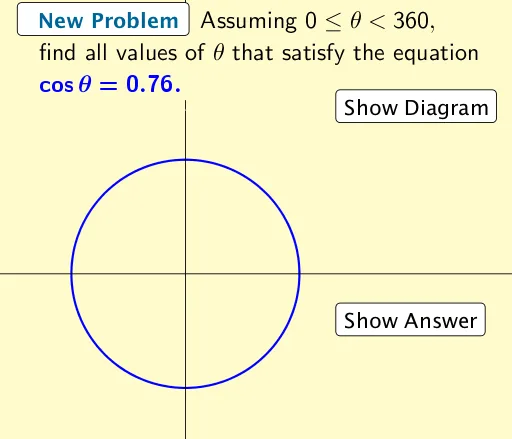
This example demonstrates how to solve trigonometric equations within the range of 0 to 360 degrees. The core mathematical concepts involved include trigonometric functions, equation solving, and symmetry. The construction utilizes GeoGebra commands and objects such as Intersect (intersection points) and Polygon (polygons), visually illustrating the geometric significance of the solutions and their graphical properties. It is suitable for high school students learning about trigonometric functions and equations, aiding in the understanding of abstract concepts through practical applications.
GeoGebra Commands & Parameters
Intersect(c, f, 1) → AIntersect(c, f, 2) → BIntersect(c, i, 1) → CIntersect(c, i, 2) → DIntersect(c, j, 1) → EIntersect(c, j, 2) → FPolygon(G, H, J, I) → poly1, g_1, h_1, j_1, i_1