
Solving Linear Equations with 2 Variables by mrrichardson
Loading the math board and drawing, please wait…
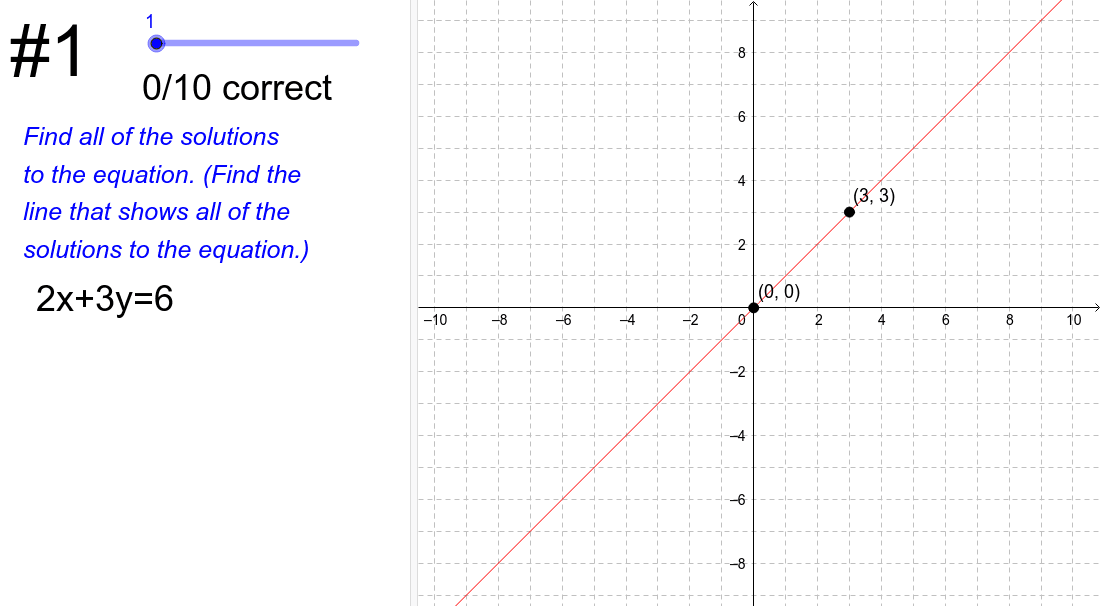
This example demonstrates how to solve systems of linear equations using graphical methods. Key math concepts involved include linear equations, coordinate geometry, and solutions to systems of equations. GeoGebra commands and objects used in the construction are Sum (sum), Length (length), Text (text), Line (line), and objects like currentProblem (current problem), isCorrect (is correct), currentProblemDisplay (current problem display), etc. It is suitable for middle school students and above to learn and understand methods for solving equations.
GeoGebra Commands & Parameters
Sum(isCorrect) → numCorrectLength(equations) → numProblemsText(Element[equationsText, currentProblem]) → currentEquationDisplayLine(A, B) → solutionLine
AI Drawing Prompt Reference
Draw a graph demonstrating solving systems of linear equations with two variables, showing multiple lines representing equations, their intersection points, and a line segment indicating the solution. Display the current equation and the number of correct answers, arranged clearly for educational purposes.
The prompt above was compiled from the original drawing commands and is for reference only.